Thanks @asdffdsa . It is working as expected.
ubuntu@ubuntu:~$ sudo systemctl status odrive.service
● odrive.service - RClone Mount Service
     Loaded: loaded (/etc/systemd/system/odrive.service; enabled; vendor preset: enabled)
     Active: active (running) since Wed 2022-01-05 18:59:53 UTC; 8s ago
    Process: 27876 ExecStartPost=/usr/bin/rclone rc vfs/refresh recursive=true _async=true (code=exited, status=0/SUCCESS)
   Main PID: 27864 (rclone)
     Status: "[18:59] vfs cache: objects 20 (was 20) in use 0, to upload 0, uploading 0, total size 4.795Gi (was 4.795Gi)"
      Tasks: 10 (limit: 28700)
     Memory: 14.9M
     CGroup: /system.slice/odrive.service
             └─27864 /usr/bin/rclone mount --config=/home/ubuntu/.config/rclone/rclone.conf --user-agent=rajeshsahoo --allow-other --timeout=1h --dir-cache-time=100>

Jan 05 18:59:51 ubuntu systemd[1]: Starting RClone Mount Service...
Jan 05 18:59:51 ubuntu rclone[27864]: NOTICE: Serving remote control on http://localhost:5572/
Jan 05 18:59:53 ubuntu rclone[27876]: {
Jan 05 18:59:53 ubuntu rclone[27876]:         "jobid": 1
Jan 05 18:59:53 ubuntu rclone[27876]: }
Jan 05 18:59:53 ubuntu systemd[1]: Started RClone Mount Service.
I know this issue doesn't belong here. Just asking for any help. If anyone faced earlier. Apologies in prior.
Currently using jellyfin docker image from https://www.linuxserver.io/
Facing issue of high cpu usage while streaming in night hours. I use jellyfin for android tv, android phone & web based on windows pc.
But when I stream contents in night time.
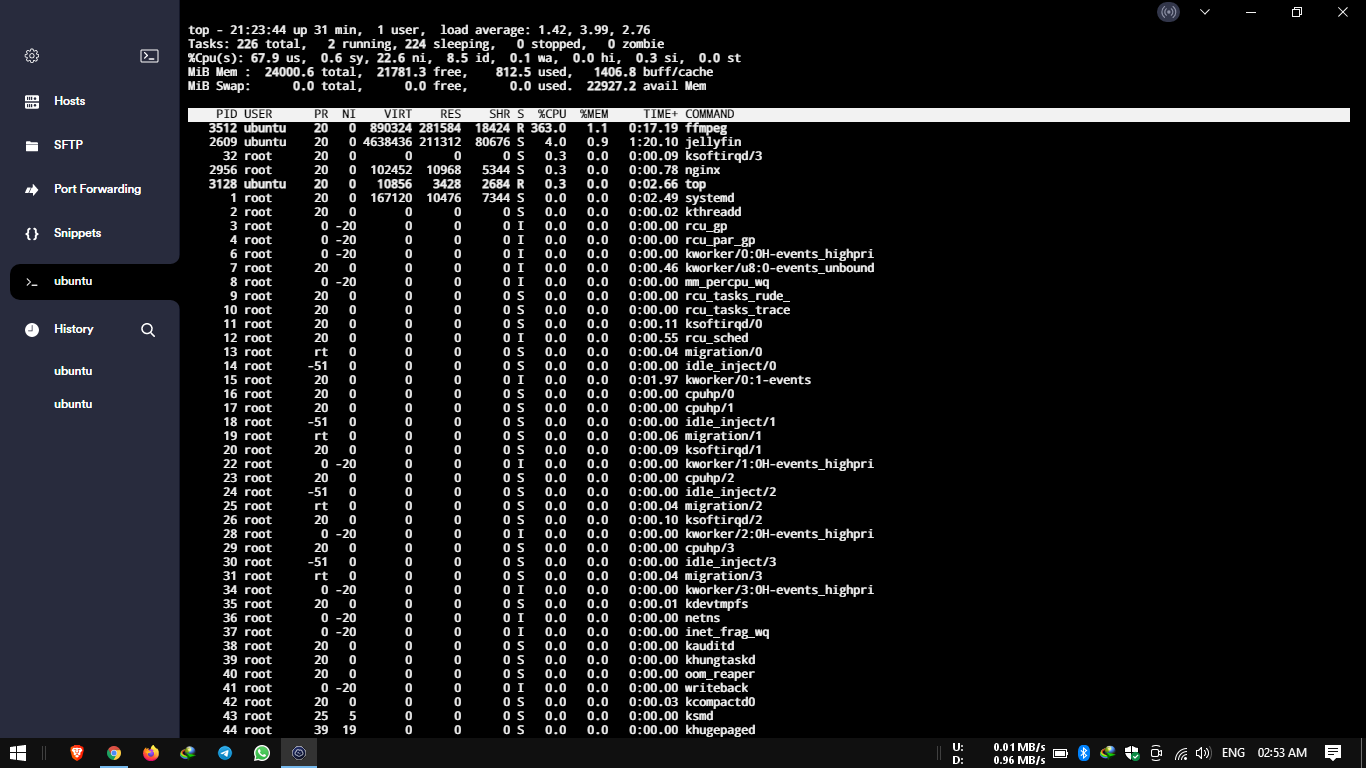
There is high usage of cpu for FFMPEG. Here below is image from linux server terminal. Any solution to fix this.
And system load reaches more than 8.0. Due to which playback becomes unstable & it just stucks.
asdffdsa
January 18, 2022, 9:35pm
144
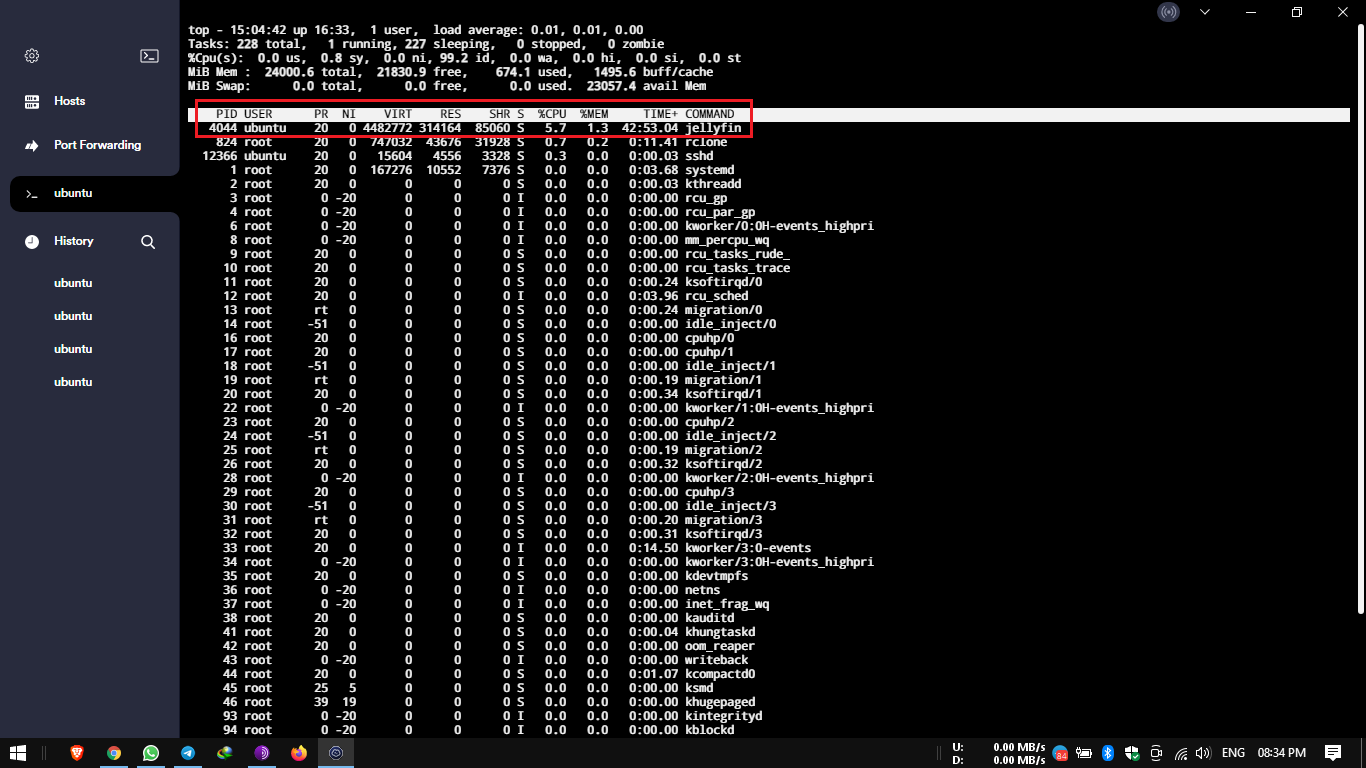
well, notice that jellyin is using 4.0% cpu
my guesstimate is that jellyfin has a scheduled task that runs at night to re-scan the libraries.
But ffmpeg shows now with high usage. Anyway to limit it..??
asdffdsa
January 18, 2022, 9:42pm
146
When Jellyfin is transcoding content, it's using ffmpeg to do that.
Options:
Buy a better server
Buy better players that don't need to transcode
Get media in lower quality formats so you don't have to transcode larger rips
You can see it in your console for Jellyfin that it's transcoding.
@Animosity022
Ohhh.. Okay..
- My server has 4 core cpu & 24 GB RAM

- Need to focus on that

- Media sizes are low only. Between 600 - 700 MB files of web series.
asdffdsa
January 18, 2022, 10:14pm
149
the question are:
This is point where system starts struggling.
asdffdsa
January 19, 2022, 6:02pm
151
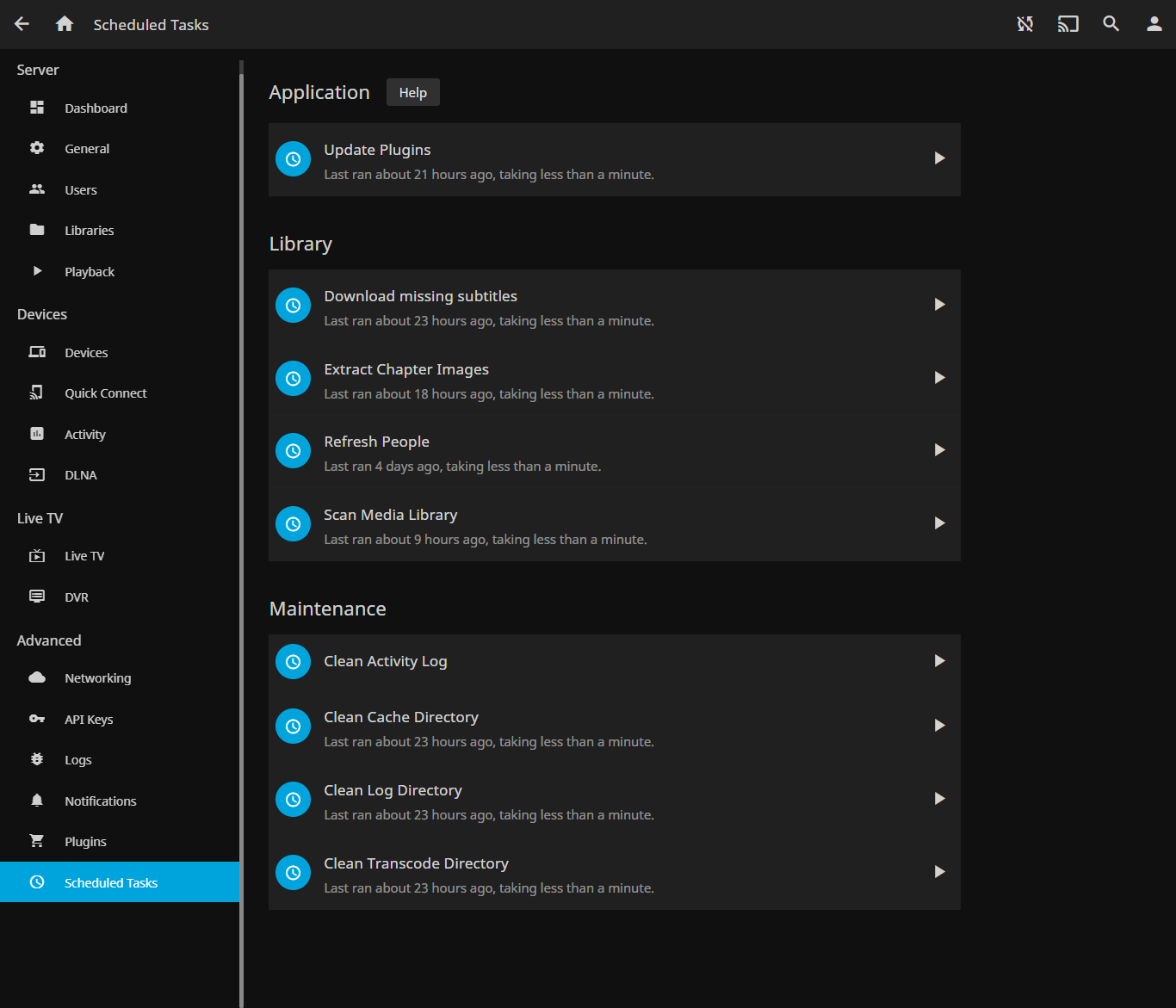
well, did you see my post, to check to see if jellyfin is running a scheduled tasks at night?
Yes I have gone through your post & visited this below post too. And started using below command on terminal. But the solution is temporary as when I pause / stop streaming. command get killed by showing "process is dead"
Limit CPU Usage of a Process in Linux with CPULimit Tool ).&text=Rather%20than%20limit%20a%20process's,%2D%2Dkill%20or%20%2Dk%20option
Command used :-

sudo cpulimit --pid 17918 --limit 20 --background

Issue with this is when I pause / stop streaming. Process gets killed.
I need to have cpulimit based on COMMAND. In this case which ffmpeg. Something sort putting a bash script for ffmpeg only which condition defined. And making the bash script run in background all the time.
asdffdsa
January 21, 2022, 11:33pm
153
i could be wrong, but i keep asking and you never answer?
May it conveyed like that. And apologies from my end.
I saw this post what was posted by you on above replies
https://scoutapm.com/blog/restricting-process-cpu-usage-using-nice-cpulimit-and-cgroups
And as per it I have used cpulimit solution.
check to see if jellyfin is running a scheduled tasks at night?

i could be wrong, but i keep asking and you never answer?
Jellyfin is deployed using docker container. And it run always.
But don't know how to check schedule tasks at night whether it is running or not..??
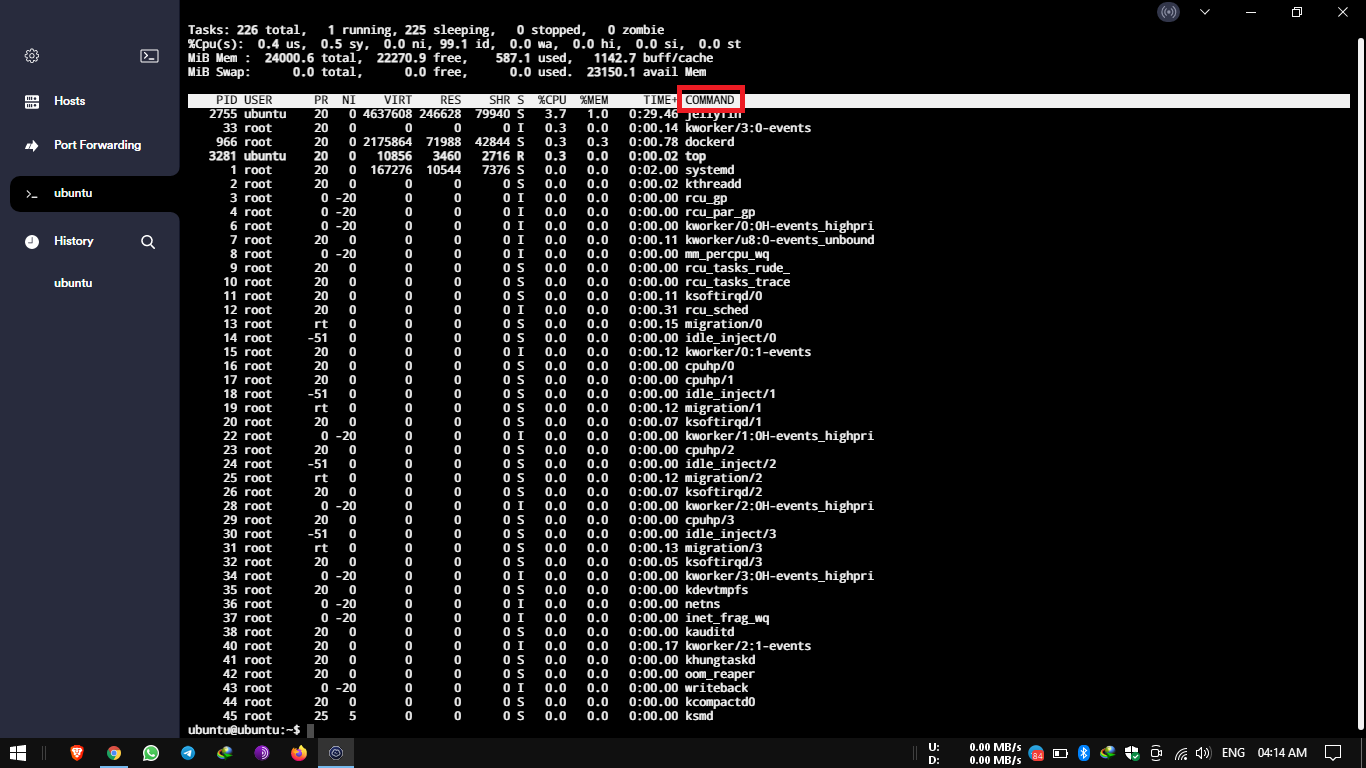
Below snap is just taken now.. By using top command..
asdffdsa
January 22, 2022, 3:14pm
156
do a quick internet search
Using the web interface
`Go to Dashboard -> Scheduled Tasks
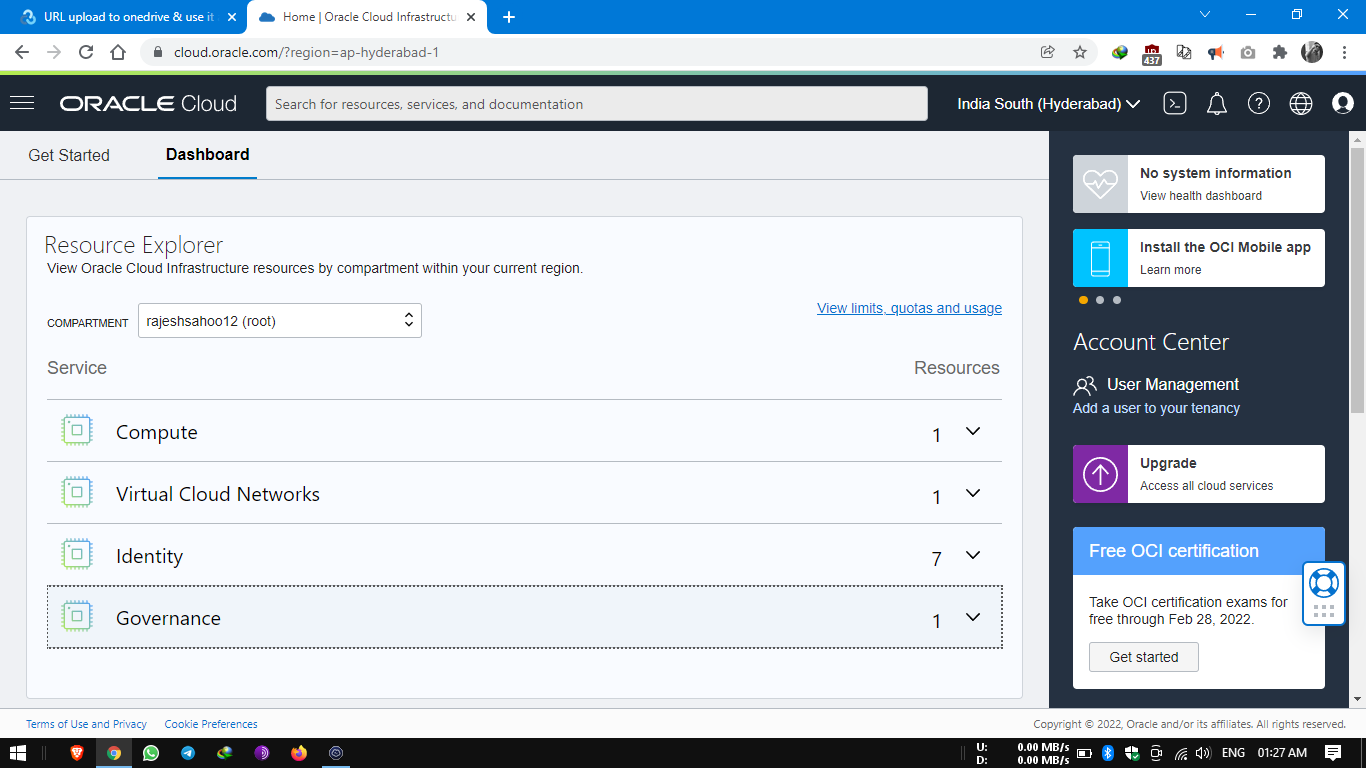
I use vm from oracle cloud. And not finding the required thing.
On dashboard page I found below :-
asdffdsa
January 22, 2022, 8:11pm
158
i also use emby,
the schedule tasks applies to emby not the vm.
I have started using jellyfin. As emby was streaming only for 1 minute or so. Not sure.
So, moved to jellyfin.
asdffdsa
January 22, 2022, 8:19pm
160
find which tasks run at night.