The app is not aware of your email, not sure about the major benefit here. Masking sounds useful though.
Keeping the pricing there is useful if you want to get a new license for another batch of machines or for someone else.
The app is not aware of your email, not sure about the major benefit here. Masking sounds useful though.
Keeping the pricing there is useful if you want to get a new license for another batch of machines or for someone else.
Who's excited for the mobile app?We cannot wait for you to see it. Launching at 2,000 stars! |
|---|
What really impressed me about this project is that you're also working on a mobile app. I've seen other GUI tools for rclone on desktop, but I'm not aware of any that aim to support mobile as well. That's a game changer.
Looking forward to seeing where this goes!
Recent update was actually nice touch on the gui, also it feels bit more responsive and smoother?
Oh on the m4 macbook when I tried to install via brew it gave me error saying “cask not found” and recommended me to install “rcloneview” instead of “rclone-ui”. Seems only mac64(intel) install file registered and native silicon install file not registered properly 
E: Also for future update, mounted list window would be verey helpful since I can’t tell which remotes are already mounted.


rcloneAll features are available at a glance, with a customizable keyboard shortcut.

Need more? Tap a command and configure it in depth with documented options & flags (straight in the app), so you can take a break from googling.
I just found this coolest rclone ui app. Does the lifetime code still available?
I've sent you a DM just now.
We gave away all remaining lifetime codes to Santa. This means we've run out of them, but fear not 
You can still get a 100% off code to experience RCUI for the whole year, totally free!

Hi! Does your software Rclone UI require administrator rights for installation on Windows? I ask because I would like to use it on a Windows computer on which I do not have administrator rights for installation.
I just installed and tested Rclone UI on a computer where I do have administrator rights. Based on what the installation procedure looked like I would say it does require administrator right.
I installed it on a Lenovo Thinkpad X240 with a small screen of only 12.5”. The problem I have there is that it cuts off the Rclone UI program window at the bottom (or at the top) and I can’t change the size of the window. Once the window is in the top position, I cannot move it down to get access to the buttons at the bottom because it will not stay there. I hope this can get fixed in an updated version.
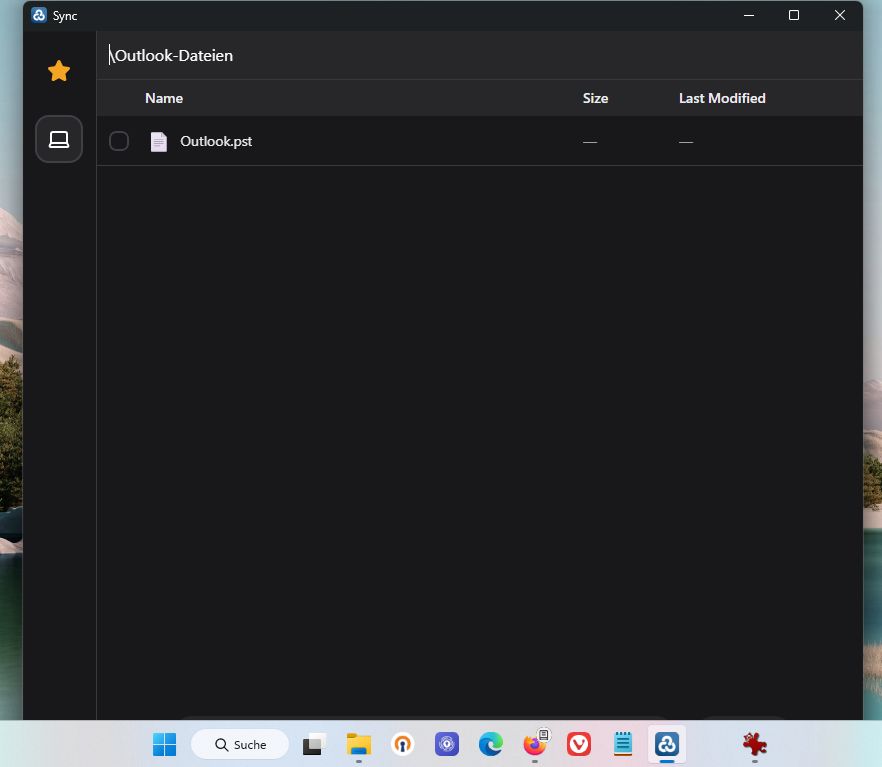
Here are two exampe screenhots showing what it looks like on my computer:
Appreciate the thorough explanations!
Rclone UI does not require Administrator rights. The windows installer allows for both "for me" and "for all users of this computer" installations. This is handled by Tauri under the hood.
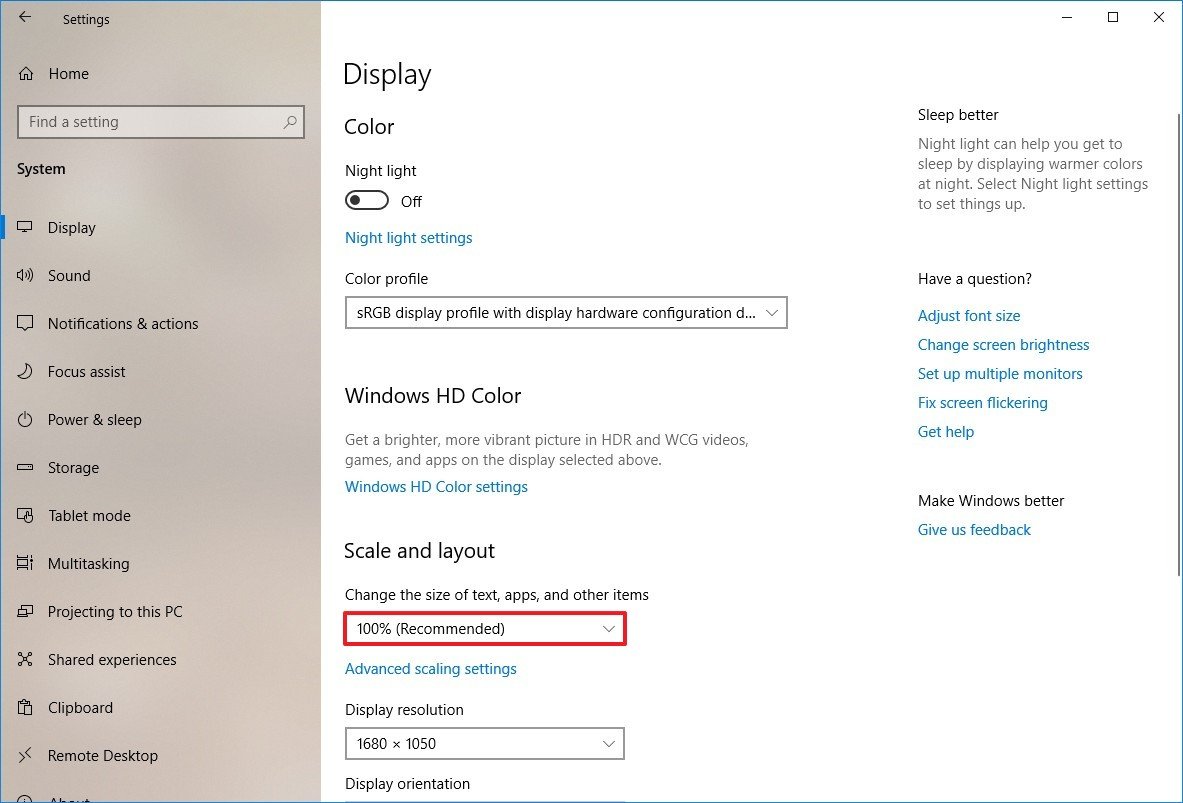
As for the window sizing, are you using scaling by any chance?
Oh, that’s good that it doesn’t necessarily require administrator rights.
As for the display/screen settings, I don’t use scaling.
On my Thinkpad X240 with 12.5” display, the settings are:
Scale and layout: 100% (Recommended) [as shown in your screenshot above]
Display resolution: 1366x768 (Recommended)
Fixed in the latest version, you can freely resize the window now!

Latest version includes new bug fixes for Windows mounts, check it out on Github.
Thanks Rclone UI, just received my late Xmas pressie! Loving the improvements and looking forward to the mobile app. Templates now saving perfectly and I’m down to one cloud sync app instead of 4 running on my pc. Loving this and mobile will be the icing one the cake..
We've got a new addition in version 3.4.0, namely the Commander window.
Testing out a (file) browser oriented way of working with rclone:

Retrying failed transfers is now possible in the latest version of Rclone UI!
Commander UI looks great! I would like the ability to delete folders and files from this view as well.
Thanks!
Maybe renaming too, now that I think of it, what else do you guys think would be useful?
Commander UI is great. So useful to be able to compare folders, is there any way you could compare 2 folders and highlight differences?