What is the problem you are having with rclone?
This may be a problem of configurations from Google Drive's side, but I need help!
Long story short:
I have problems replacing the token when executing the
rclone configcommand.
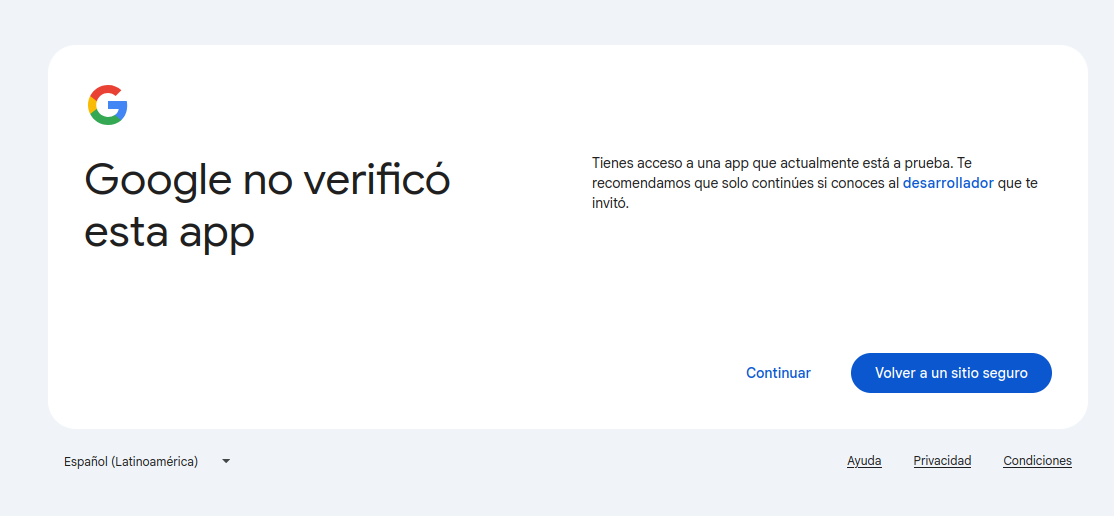
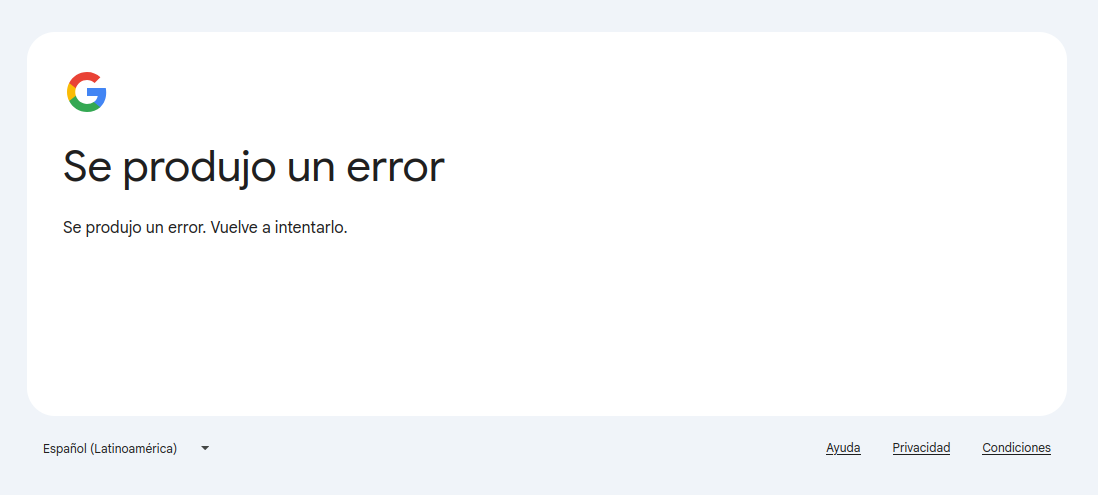
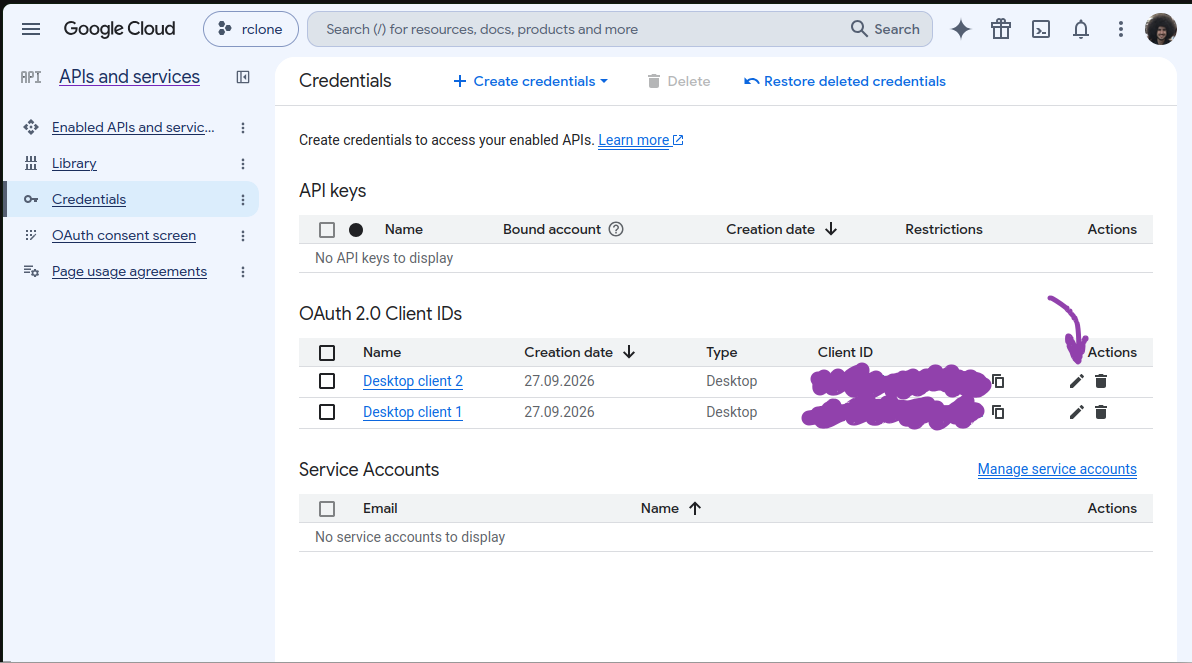
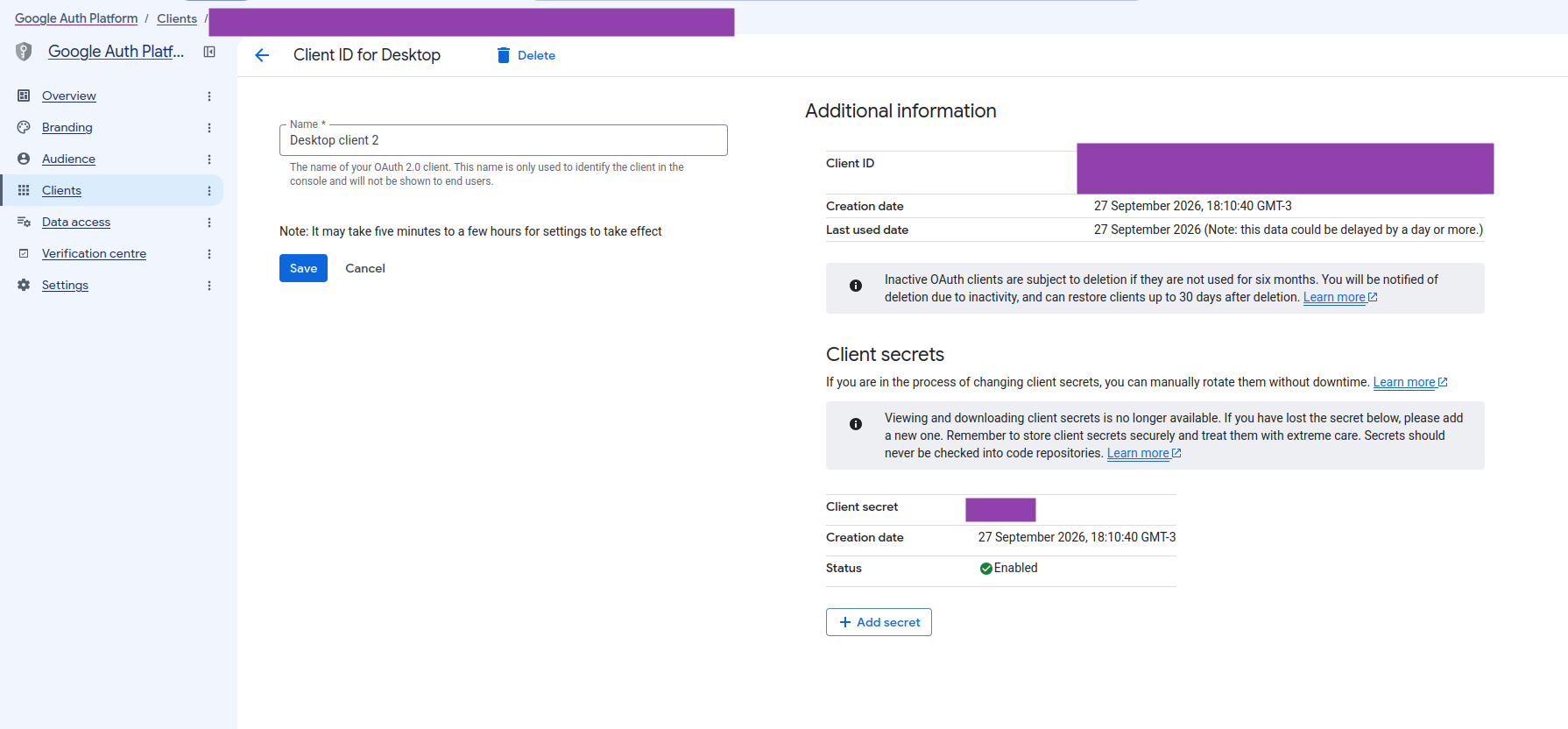
Basically, I followed the recent prompt on creating client ID + client secret over this section of the guide. Unfortunately, when editing the configuration of my remote and replacing the existing token, it waits for the code that the web returns, but after selecting my account and trying the "Go to rclone (not safe)" button...

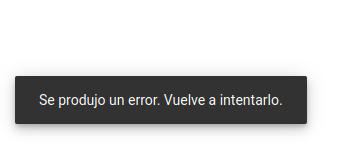
... It pops up a prompt telling me it FAILED. Trying again, reloading the webpage, retrying the config command, nothing seems to do it.
I should point out that the "publish" steps over the Google Console Cloud failed me. It asks for branding verification, telling me I do not own the domain's link I provided (https://github.com). I seriously don't know what to do here...

Run the command 'rclone version' and share the full output of the command.
|> $ rclone version
rclone v1.75.1
- os/version: linuxmint 22.3 (64 bit)
- os/kernel: 7.0.0-31-generic (x86_64)
- os/type: linux
- os/arch: amd64
- go/version: go1.26.8
- go/linking: static
- go/tags: none
Which cloud storage system are you using? (eg Google Drive)
Google Drive, as stated in title.
The command you were trying to run (eg rclone copy /tmp remote:tmp)
# 1° command tried:
rclone config

# 2° command tried:
rclone config reconnect <name_of_remote>:
Please run 'rclone config redacted' and share the full output. If you get command not found, please make sure to update rclone.
|> $ rclone config redacted
[ivan]
type = drive
scope = drive
token = XXX
team_drive =
client_id = XXX
client_secret = XXX
export_formats = link.html
A log from the command that you were trying to run with the -vv flag
|> $ rclone config reconnect ivan: -vv
2026/09/27 12:32:48 DEBUG : rclone: Version "v1.75.1" starting with parameters ["rclone" "config" "reconnect" "ivan:" "-vv"]
2026/09/27 12:32:48 DEBUG : Using config file from "/home/iyopolo/.config/rclone/rclone.conf"
2026/09/27 12:32:48 DEBUG : ivan: config in: state="", result=""
2026/09/27 12:32:48 DEBUG : ivan: config out: out={State:"client_id" Result:""}, err=<nil>
2026/09/27 12:32:48 DEBUG : ivan: config in: state="client_id", result=""
2026/09/27 12:32:48 DEBUG : ivan: config out: out={State:"oauth" Result:""}, err=<nil>
2026/09/27 12:32:48 DEBUG : ivan: config in: state="oauth", result=""
2026/09/27 12:32:48 DEBUG : ivan: config out: out={State:"*oauth,teamdrive,oauth," Result:""}, err=<nil>
2026/09/27 12:32:48 DEBUG : ivan: config in: state="*oauth,teamdrive,oauth,", result=""
2026/09/27 12:32:48 DEBUG : ivan: config out: out={State:"*oauth-confirm,teamdrive,oauth," Option:config_refresh_token="true" Result:""}, err=<nil>
2026/09/27 12:32:48 DEBUG : ivan: config: reading config parameter "config_refresh_token"
Token already configured - replace it?
y) Yes (default)
n) No
y/n> y

2026/09/27 12:32:51 DEBUG : ivan: config in: state="*oauth-confirm,teamdrive,oauth,", result=XXX
2026/09/27 12:32:51 DEBUG : ivan: config out: out={State:"*oauth-islocal,teamdrive,oauth," Option:config_is_local="true" Result:""}, err=<nil>
2026/09/27 12:32:51 DEBUG : ivan: config: reading config parameter "config_is_local"
Use web browser to automatically authenticate rclone with remote?
 * Say Y if the machine running rclone has a web browser you can use
 * Say N if running rclone on a (remote) machine without web browser access
If not sure try Y. If Y failed, try N.

y) Yes (default)
n) No
y/n> y

2026/09/27 12:32:53 DEBUG : ivan: config in: state="*oauth-islocal,teamdrive,oauth,", result=XXX
2026/09/27 12:32:53 DEBUG : ivan: config out: out={State:"*oauth-do,teamdrive,oauth," Result:""}, err=<nil>
2026/09/27 12:32:53 DEBUG : ivan: config in: state="*oauth-do,teamdrive,oauth,", result=""
2026/09/27 12:32:53 NOTICE: Make sure your Redirect URL is set to "http://127.0.0.1:53682/" in your custom config.
2026/09/27 12:32:53 DEBUG : Starting auth server on 127.0.0.1:53682
2026/09/27 12:32:53 NOTICE: If your browser doesn't open automatically go to the following link: http://127.0.0.1:53682/auth?state=vS8JAo7kvNRrlAI5XGJ9ig
2026/09/27 12:32:53 NOTICE: Log in and authorize rclone for access
2026/09/27 12:32:53 NOTICE: Waiting for code...
2026/09/27 12:32:53 DEBUG : Redirecting browser to: https://accounts.google.com/o/oauth2/auth?access_type=offline&client_id=59526917629-egkh48vl01nbltdoteova5fpb8kd6kbs.apps.googleusercontent.com&redirect_uri=http%3A%2F%2F127.0.0.1%3A53682%2F&response_type=code&scope=https%3A%2F%2Fwww.googleapis.com%2Fauth%2Fdrive&state=vS8JAo7kvNRrlAI5XGJ9ig
# Blinking cursor...
Any feedback is appreciated!