Not quite a problem per se… I’m using rclone to mount a copyparty webdav share. I’ve noticed that with the command i’m using, Windows reports to have finished super early (at crazy 6 gb per second speeds) but the file is not on the remote until later on.
I’d like to know if there is a way to make windows report correctly the progress or at least if the file finished uploading when it’s actually fully uploaded to the remote, and/or pros and cons of doing that vs what i’m currently doing.
Run the command 'rclone version' and share the full output of the command.
rclone v1.72.1
  os/version: Microsoft Windows 11 Pro 23H2 23H2 (64 bit)
  os/kernel: 10.0.22631.6199 (x86_64)
  os/type: windows
  os/arch: amd64
  go/version: go1.25.5
  go/linking: static
  go/tags: cmount
Which cloud storage system are you using? (eg Google Drive)
copyparty webdav server
The command you were trying to run (eg rclone copy /tmp remote:tmp)
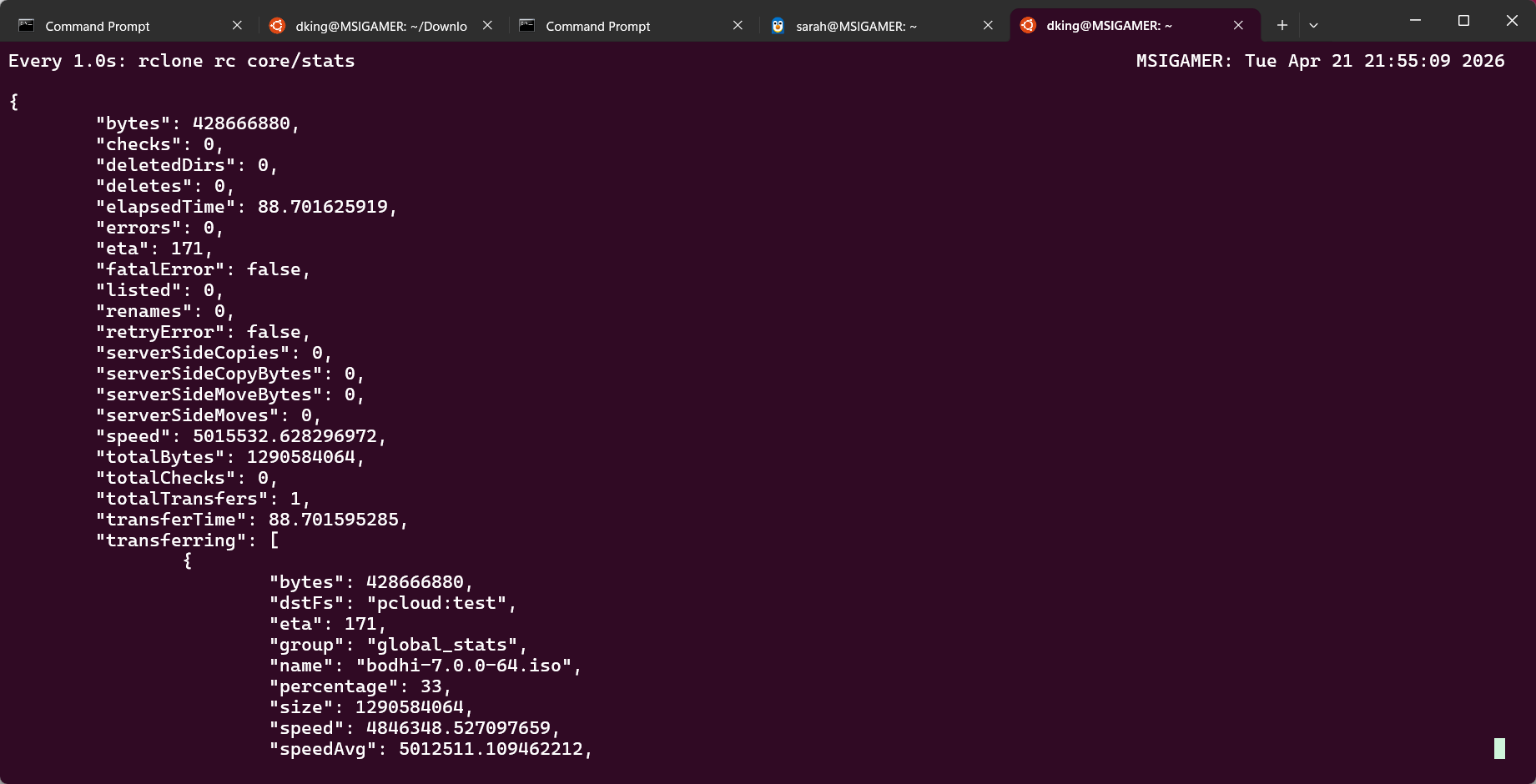
And then from another terminal window query mount vfs status:
rclone rc vfs/stats
As I remember uploadsInProgress and uploadsQueued values will give you uploads status. Look around - what you will see is rather self-explanatory.
If you would like anything more fancy and given that nobody is interested in working on it since 2020:) then only way is that you develop it yourself:) - and share back with community.
Hello, sorry i didn’t have the time to answer before!
Interesting! I don’t have the expertise to do a fancy tray icon or something like that, but i will note it down and maybe in the future i try to do it
I see, i think i better understand it now, thanks for sharing the link. In reality all i wanted was a way to “know” what was happening with the uploads, so it seems like the best option would be to build something that queries the vfs status as stated by @kapitainsky . I will think about it, but thanks to both for your quick responses!
Check out rcloneview. When you copy a file say local to a remote it has a box at the bottom of the screen that shows the transfer in progress the percentage done the speed and the time left.
I don't know the accuracy and if it takes caching into consideration. It does give you visual feedback that might help.
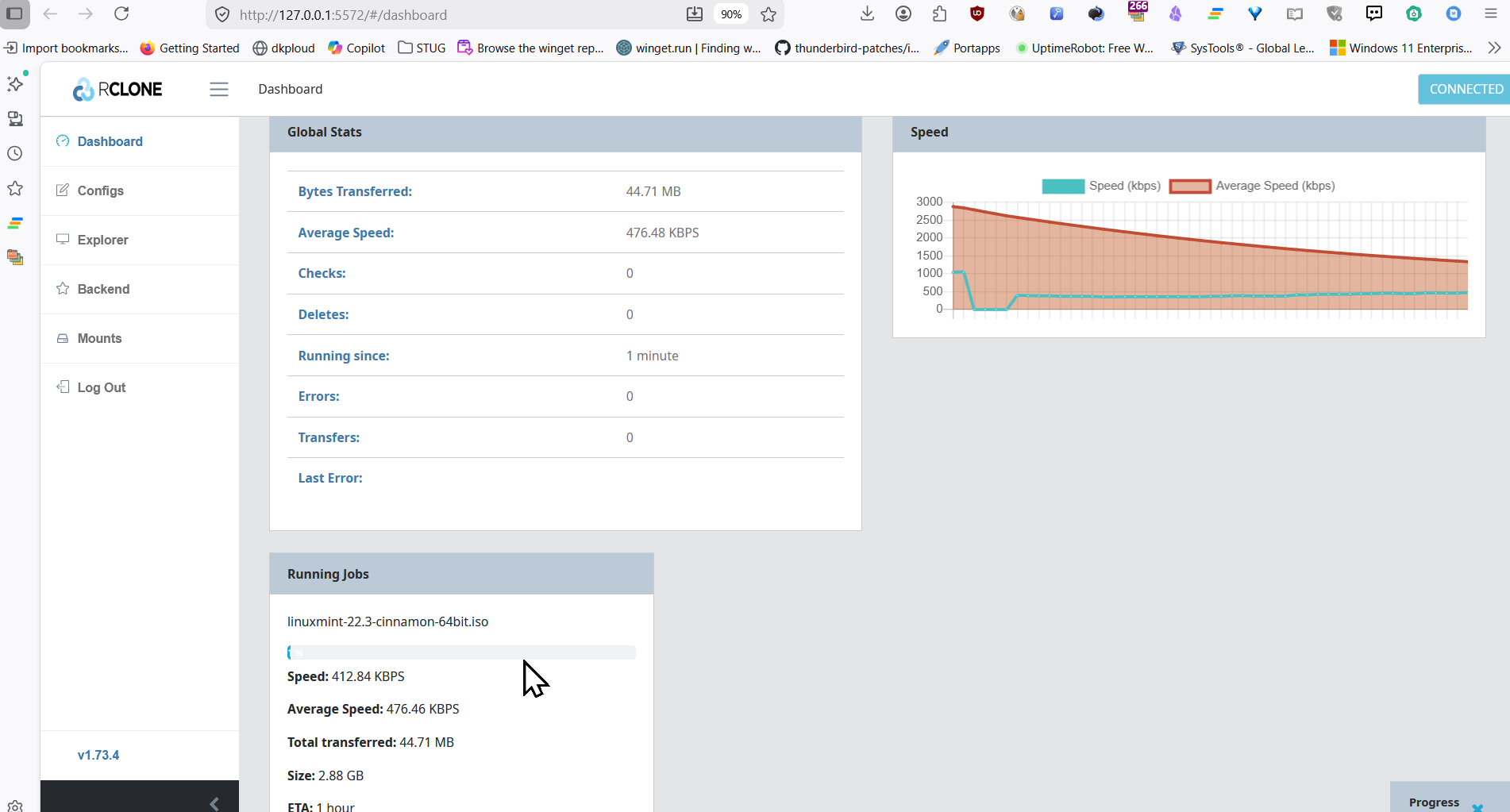
Also this command will bring up a browser window with transfer stats.