STOP and READUSE THIS TEMPLATENO EXCEPTIONS - By not using this, you waste your time, our time and really hate puppies. Please remove these two lines and that will confirm you have read them.
What is the problem you are having with rclone?
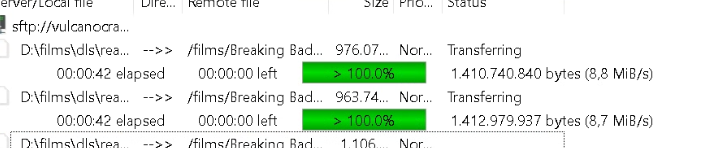
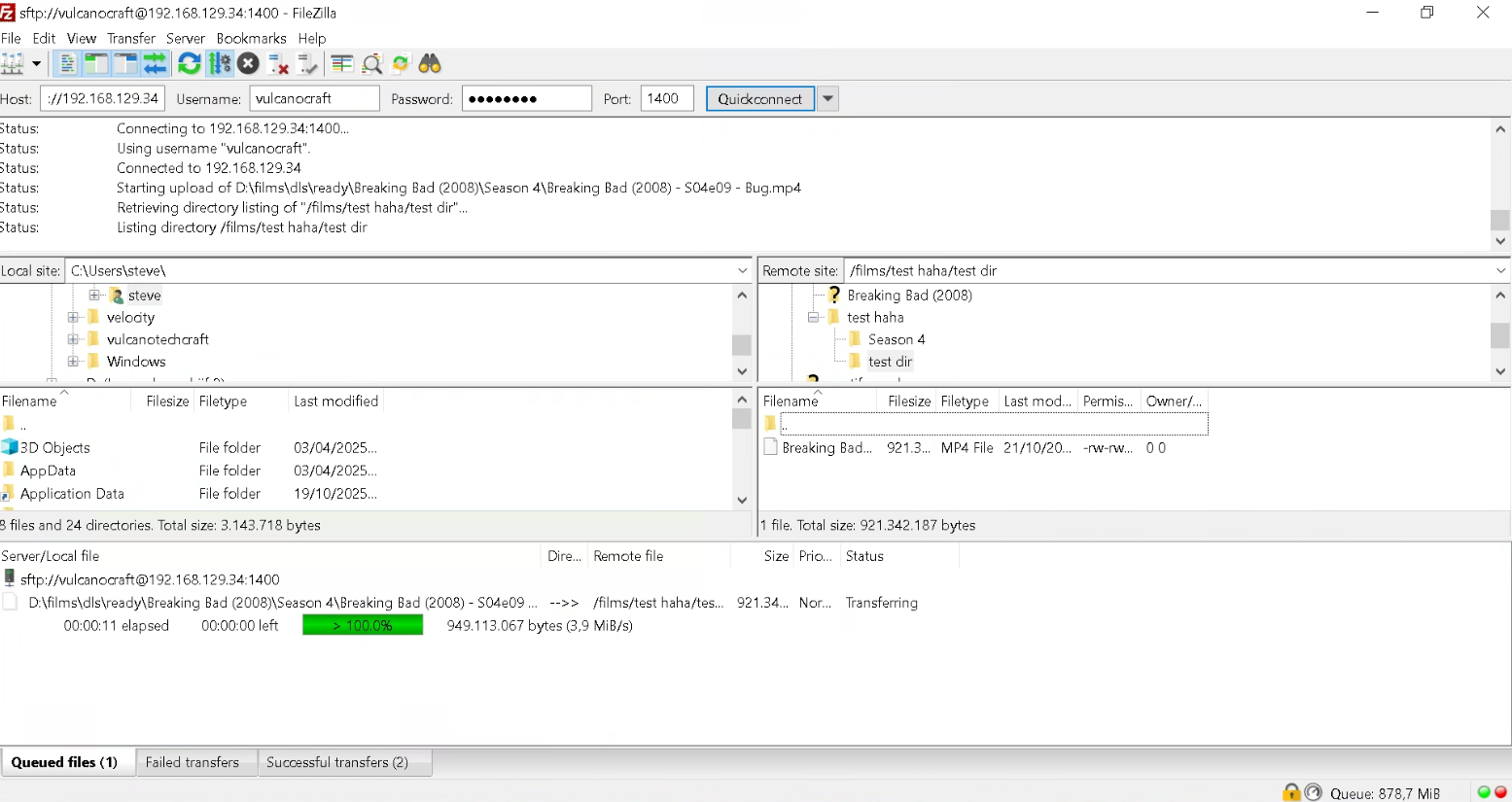
I’m using rclone serve sftp with --vfs-cache-mode full and --vfs-write-back 1s. When uploading files via SFTP clients (such as FileZilla or WinSCP), the progress often gets stuck at 100% for a long time. At that point, the file has already been fully written to the local VFS cache, but rclone is still flushing the data to the backend (safe: remote).
Because rclone only signals completion to the SFTP client after the backend upload/commit finishes, the client assumes the transfer is stalled or incomplete. In some cases, it retries the upload, leading to duplicate transfers.
Question:
Is there a way to configure rclone so that the SFTP client receives a success response immediately after the file is written to the VFS cache (before the backend flush), or is the current behavior intended by design?
Run the command 'rclone version' and share the full output of the command.
C:\Windows\system32>"C:\Users\johnpork\Documents\rclone.exe" version
rclone v1.71.1
os/version: Microsoft Windows 10 Enterprise N LTSC 2021 21H2 21H2 (64 bit)
os/kernel: 10.0.19044.6332 (x86_64)
os/type: windows
os/arch: amd64
go/version: go1.25.1
go/linking: static
go/tags: cmount
C:\Windows\system32>
Which cloud storage system are you using? (eg Google Drive)
webdav
The command you were trying to run (eg rclone copy /tmp remote:tmp)
i think the connection isn’t an issue as the sftp file transfer happens over LAN. i added –vfs-write-back 0 and this doesn’t make any difference. it still keeps hanging at 100%
According to the log the SFTP client started uploading the file at 15:32:47 and finished at 15:36:53 rclone started uploading the file at 15:36:54 and it was finished at 15:37:27.
That was with --vfs-write-back 0 which looks absolutely fine. Can you try with --vfs-write-back 60s so a deliberately long time before it starts uploading. This should let you see definitely if the SFTP client is waiting for the upload or not. If the SFTP client does wait for the upload, I'd like to see a log with -vv of that please.
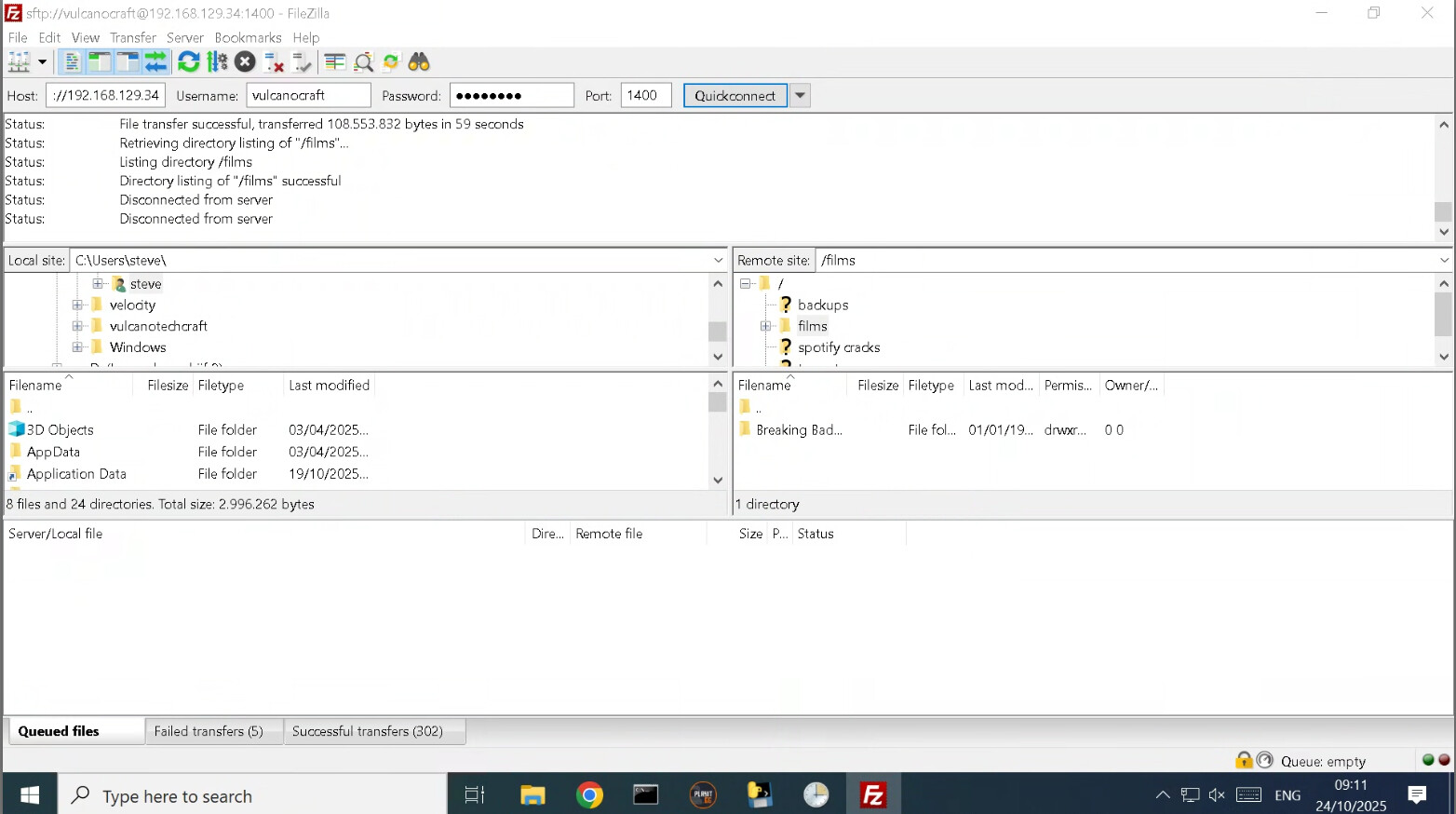
As far as I can see that is working properly. The SFTP client finishes at 100% and then moves on to the next file. You can see the uploads starting 1 minute later in the log and the timestamps agree with those in the video.
i just want to work with crypt using sftp. i deleted the log file before running rclone, do you maybe know a simple cmd command then? if you know that i am running the following command in powershell?: