Im trying to use rclone as a permanent cloud storage tool for my VPS. I have configured remote pointing to my webdav server which i want to use and mounted folder on a VPS. Then i have configured all my apps on VPS to save thier data in this folder.
Now, i have the problem. Some of my apps handling files open after data is flushed to a file. For example, app A flushes data to a A.db and still handles file open for futher flushes.
I have read the docs, it says, the file should be closed to rclone flush the data to the remote.
So my question is, what is the workaround for that? Is there anything i can do to force rclone flush even opened files except killing app A each x min?
version
rclone v1.71.0-DEV
os/version: alpine 3.23.0_alpha20250612 (64 bit)
os/kernel: 6.16.3-REDACTED (aarch64)
os/type: linux
os/arch: arm64 (ARMv8 compatible)
go/version: go1.25.1
go/linking: dynamic
go/tags: none
Mounting:
rclone mount dav:/ ~/fs --vfs-cache-mode full --vfs-cache-max-age 5m0s --vfs-write-back 0m10s
Config:
```
[dav]
type = webdav
url = http://localhost:56000/dav
vendor = other
user =
pass = XXX
```
afiak, if an app has files that are in-use, open or locked, rclone cannot upload them.
only the app itself can flush the file else rclone would upload a corrupted file.
the same applies to any local file system. cannot backup/copy files that open, in-use and locked by an app.
Even with full cache mode? Well, this makes somehow no sence for me…
Linux and Win FSs letting me do that. I can even delete the opened file on linux without sudo… (not talking this is practical, but this isnt a natural restriction). And even rclone copy copies opened file…
Weird… this just kills my whole setup.
I guess i just copy everything on crond then to a remote… Very wasteful but i do not see any other ways then.
ok, but what is the point to copy an open, non-flushed file in an unknown state.
for my backups with rclone on windowz, i first create a VSS snapshot and use that snapshot as the source.
even then, that is not a workaround for open files that are not flushed.
It IS flushed into fs. It being flushed each 5 min in my case, but it still opened. Same as you would press ctrl + s in word - it will be flushed into fs and word still has the file handle. At this moment rclone could try to flush the data into remote, but it doesnt. Make no sence why. The --vfs-write-back could work there perfectly to specify access inactivity time, but extra condition “must be closed” breaks everything.
So yes, there not really much options except run semi-manual backup with cron.
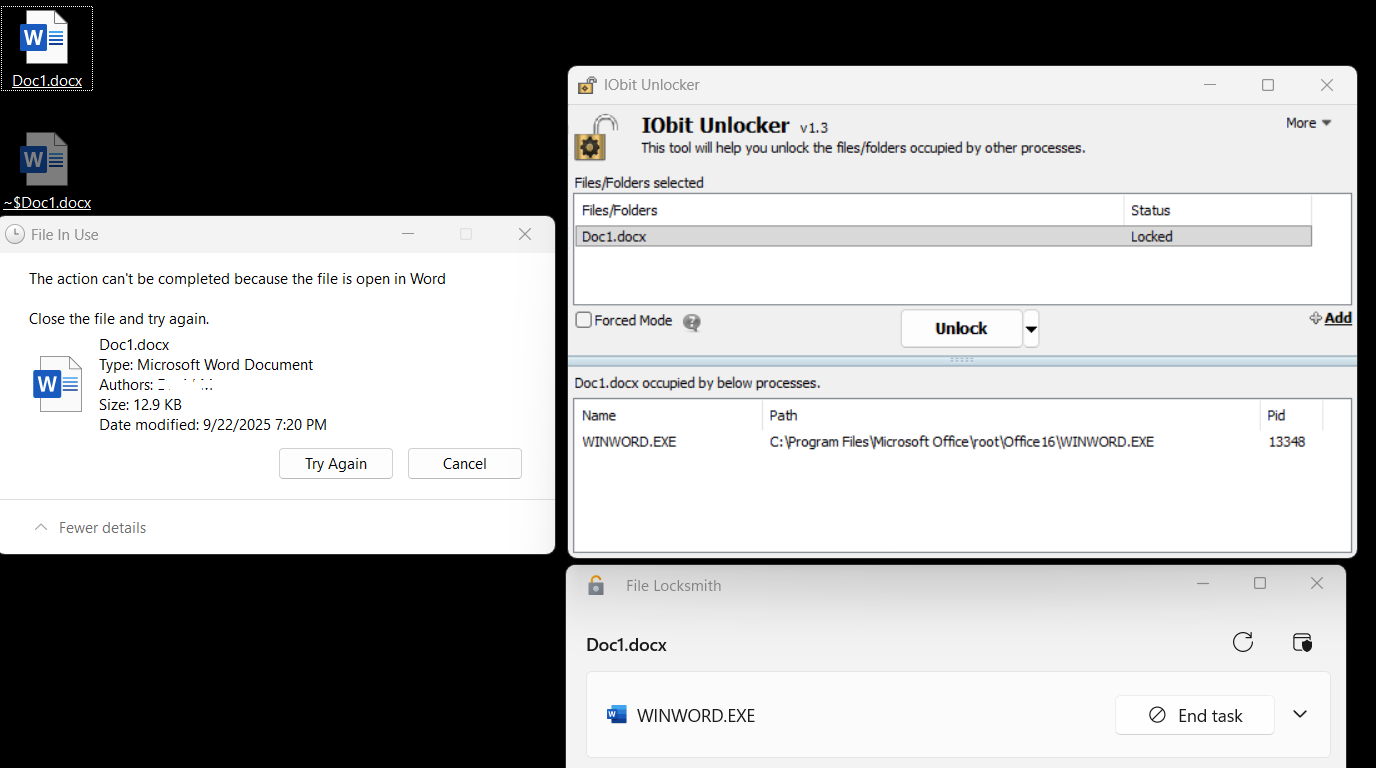
 You can copy a opened file, not a delete. Uploading opened file = reading = copying.