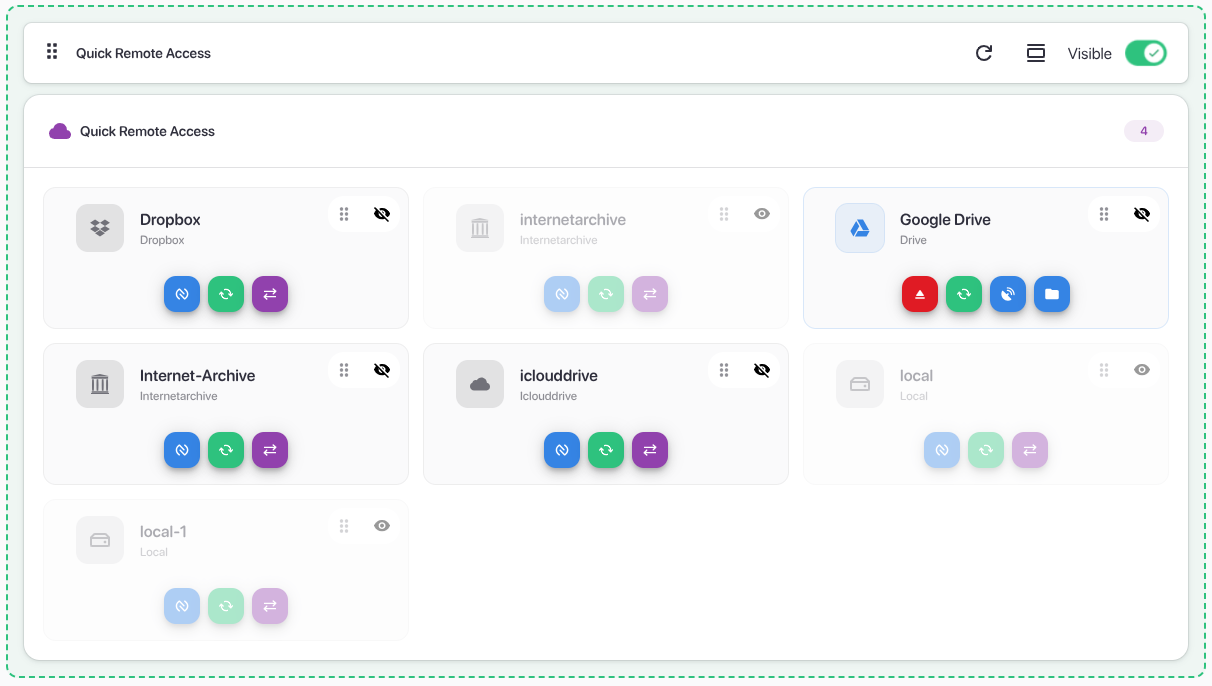
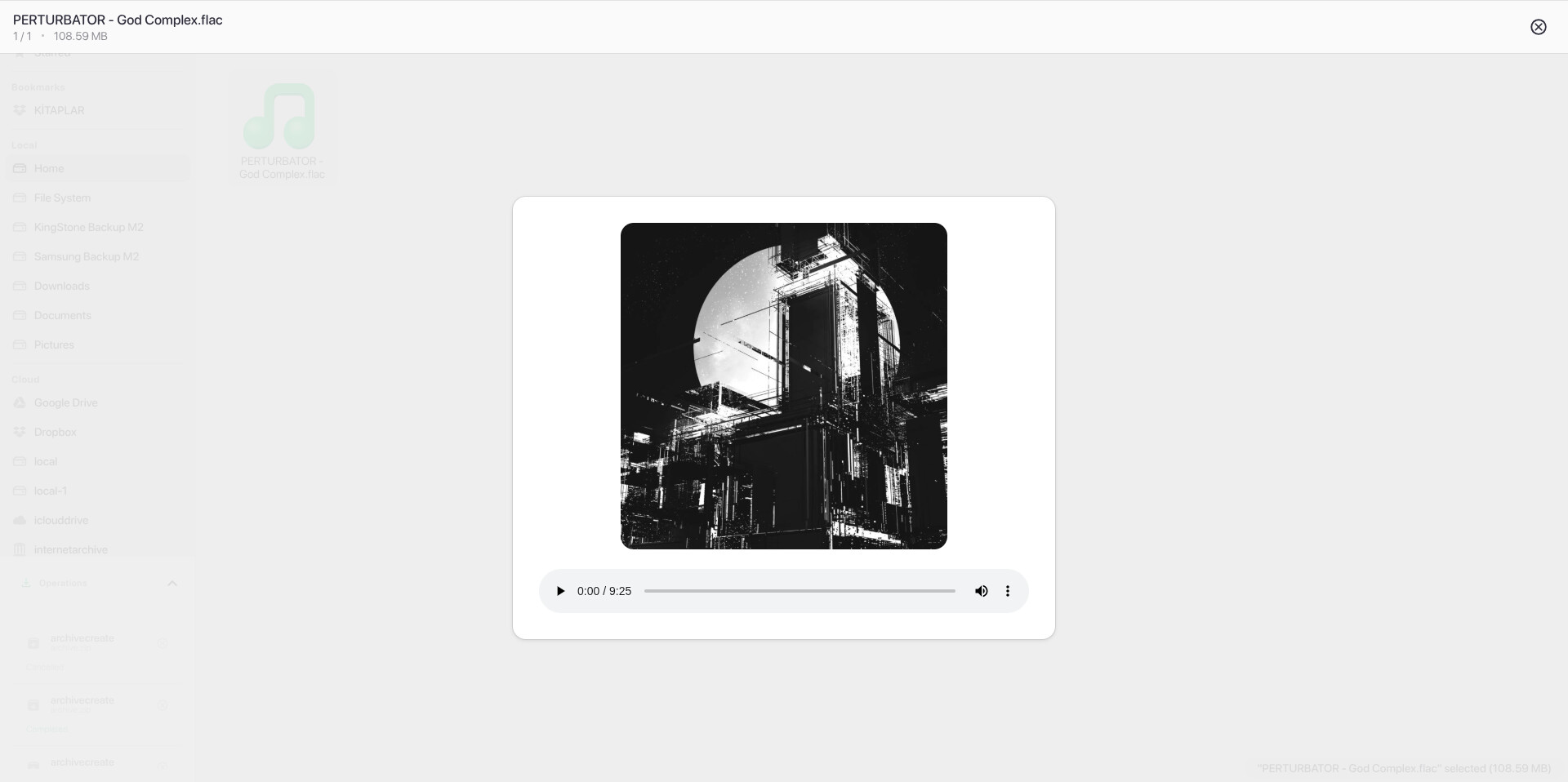
I’d like to share a project I’ve been working on: RClone Manager.
It is a modern, cross-platform GUI application designed to make managing Rclone remotes and tasks easier and more visual. It is built with Angular and Tauri, offering a native-feeling experience on Linux, Windows, and macOS.
What is RClone Manager?
While Rclone is an incredibly powerful command-line tool, managing multiple remotes, complex mount commands, and bidirection syncs can sometimes get complicated. RClone Manager aims to bridge that gap by providing a clean, responsive interface for both basic and advanced users.
Key Features
Security: Supports encrypted configuration (password storage via system keyring).
Cross-Platform: Runs natively on Windows, Linux (including ARM), and macOS.
Theming: Adaptive Light and Dark modes with a clean GTK-inspired design.
Tray Integration: Minimize to tray for quick access to background mounts.
Scheduled Tasks Automate syncs with a built-in scheduler. Create, edit, enable/disable, and monitor scheduled jobs.
Import/Export – Backup and restore your settings, with optional 7z encryption.
I am currently actively working on Web UI and Docker support. If you are interested in running RClone Manager in a container or via a browser, you can follow the progress here: GitHub Issue #10: Web UI Support
Feedback & Contributing
This project is actively developed and open source (GPL-3.0). I am looking for feedback from the community to improve it further!
If you find it useful, a star on GitHub is always appreciated!
Acknowledgments
A massive thank you to @ncw for creating Rclone, this amazing powerhouse of a software that makes all of this possible, and also to his son @edcw for his contributions.
This release marks a significant evolution of the project, moving toward a more modular architecture with the introduction of the rcman library and a major expansion of the Nautilus component capabilities.
Major Highlight: rcman
We have decoupled our internal configuration logic into rcman, a standalone Rust library for settings management.
Schema-based configuration with automatic backup/restore.
Secure secret storage and a derive macro for schema generation.
This change makes the core app lighter and the settings management more robust.
What’s New
Nautilus Component Enhancements
Rich Previews: Support added for .dot, Markdown, and general text files.
Syntax Highlighting: Preview code files with full syntax highlighting.
Bulk Hashing: Quickly calculate hashes for all files within a directory.
Multi-Backend & Profile Support
Remote Rclone Instances: Connect to and manage multiple remote rclone instances from a single interface.
Remote Config: Support for config/unlock and config/setpath.
Per-Backend Profiles: Each backend now maintains its own settings profile, with full export/import support.
Advanced Rclone Tooling
Custom Flags: Pass your own rclone flags via settings (reserved flags are protected to prevent conflicts).
Maintenance Tools: Added a Garbage Collector and Cache Cleaner (available under About Modal -> About Rclone).
Log Management: Full support for viewing and managing app and rclone logs.
UI & UX Improvements
Adaptive Modals: Modals now transform into Bottom Sheets on mobile devices for a native GNOME-like feel.
Persistence: The app now remembers your window size and state between sessions.
Internationalization: Multi-language support is live! (We are looking for community translators to help us expand).
Improvements & Changes
Modernized UI: Simplified the interface for a cleaner look.
Headless Mode: Improved stability and added Tray Icon support for headless instances.
Plugin Management: Enhanced the Mount plugin detector with dynamic version checking for smoother installs.
Deprecation: Removed Terminal remote support as the app now natively handles all remote operations.
Bug Fixes
Fixed an issue where the Theme Setting would fail to apply correctly.
Fixed "Access Denied" errors when attempting to open local files while in Headless Mode.
Contributing
With the new Multi-language support, we need your help! If you'd like to see the app in your native language, please check our translation guide in the repository.
Fresh off the release of v0.2.0, this update brings a major quality-of-life improvement for managing running tasks, along with critical fixes for containerized environments and the update mechanism.
Highlight: Intelligent Job Grouping
Managing multiple operations just got cleaner. Jobs are now automatically organized and grouped by Remote Name and Profile Name (e.g., sync/Google Drive/default). (core/group-list, core/stats-delete, core/stats-reset, job/stopgroup rc endpoints added and integrated the job management).
Better Visibility: View transfer stats per remote instead of a mixed global list.
Batch Control: Stop all running jobs for a specific remote with a single click.
Organization: Easily track operations on a per-remote basis.
What’s New
Mount Disk Usage
Added support for rclone rc core/du. You can now check the disk usage of your mounted remotes directly from the Mount Control accordion (calculates usage from the local mount point. Separated from general disk usage. General disk usage uses operations/about).
Visuals & UX
New Icons: Integrated the MoreWaita icon theme for a cleaner, modern look in the Nautilus component.
More Notifications: Expanded system notifications to keep you better informed of app states and background tasks.
Changes & Fixes
Memory Optimization Behavior
Tray-Only Reopen: When "Memory Optimization" is enabled, the app now strictly enforces reopening via the Tray Icon. Launching from desktop shortcuts or the command line will no longer duplicate processes or mess with the optimized state.
Bug Fixes
Update Logic: Improved the rclone update mechanism. The app now verifies if the preconfigured path is writable. If not, it automatically falls back to the default config path to prevent update failures.
Container Support: Fixed path handling issues specifically for containerized/Docker versions.
General: Various small stability fixes and performance improvements.
Mount creates a virtual drive on your computer that connects to your remote storage (like Google Drive). It acts like a physical drive - when you access files, they're streamed from the remote in real-time. Nothing is stored locally unless you open/download files.
Sync copies files from your remote to your local computer (or vice versa). It's a one-way operation. If files change on the remote after syncing, you need to run the sync command again to get those updates.
Bisync (bidirectional sync) works like Google Drive Desktop or Dropbox. Changes made locally are automatically uploaded to the remote, and changes made on the remote are downloaded to your local machine. It keeps both locations synchronized in both directions.
I spent a few hours trying to figure out how everything worked. To be honest the layout is confusing, it’s hard to figure out how to do anything. It’s not clear what the “Serve” function is, since you normally don’t use that with rclone cli. Also even if you change the rclone config location to point to your existing rclone config, NOTHING works and gives an error that it’s not configured. The app ONLY works if you create a new remote in the app. It will NOT work with existing remotes. I'm sticking with RcloneView since that actually works even though its a paid app.
v0.2.5 is now available. This is a fairly substantial release covering performance improvements, new file browser capabilities, UI customization, and several fixes. Full notes below.
Notes
This version of RClone Manager requires rclone v1.74+
Remote rclone update support is available but requires a manual restart on the remote instance
Highlights
Unified Monitoring System
The most significant internal change this release. The app previously ran separate background polling loops for system status, mount state, serve state, and engine health. These have been consolidated into a single adaptive poller:
All status info fetched in one request per cycle instead of four
Rclone version and PID cached once at startup, not repeatedly re-fetched
Poll frequency adapts: faster while transfers are active, slower when idle, suspended when the app is minimized/hidden
Job progress updates also batched for efficiency
In practice this means fewer background requests and more responsive status updates, especially during active transfers.
Rclone Archive Integration (Nautilus)
Full support for rclone archive operations in the file browser:
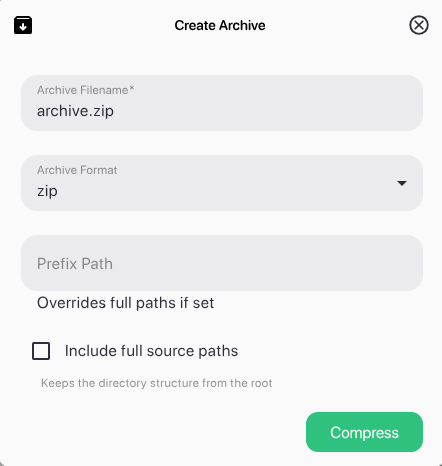
Create: Choose from all rclone-compatible archive formats (zip, tar, tar.gz, tar.bz2, tar.xz, tar.zst, and more. For supported formats check this: rclone archive create)
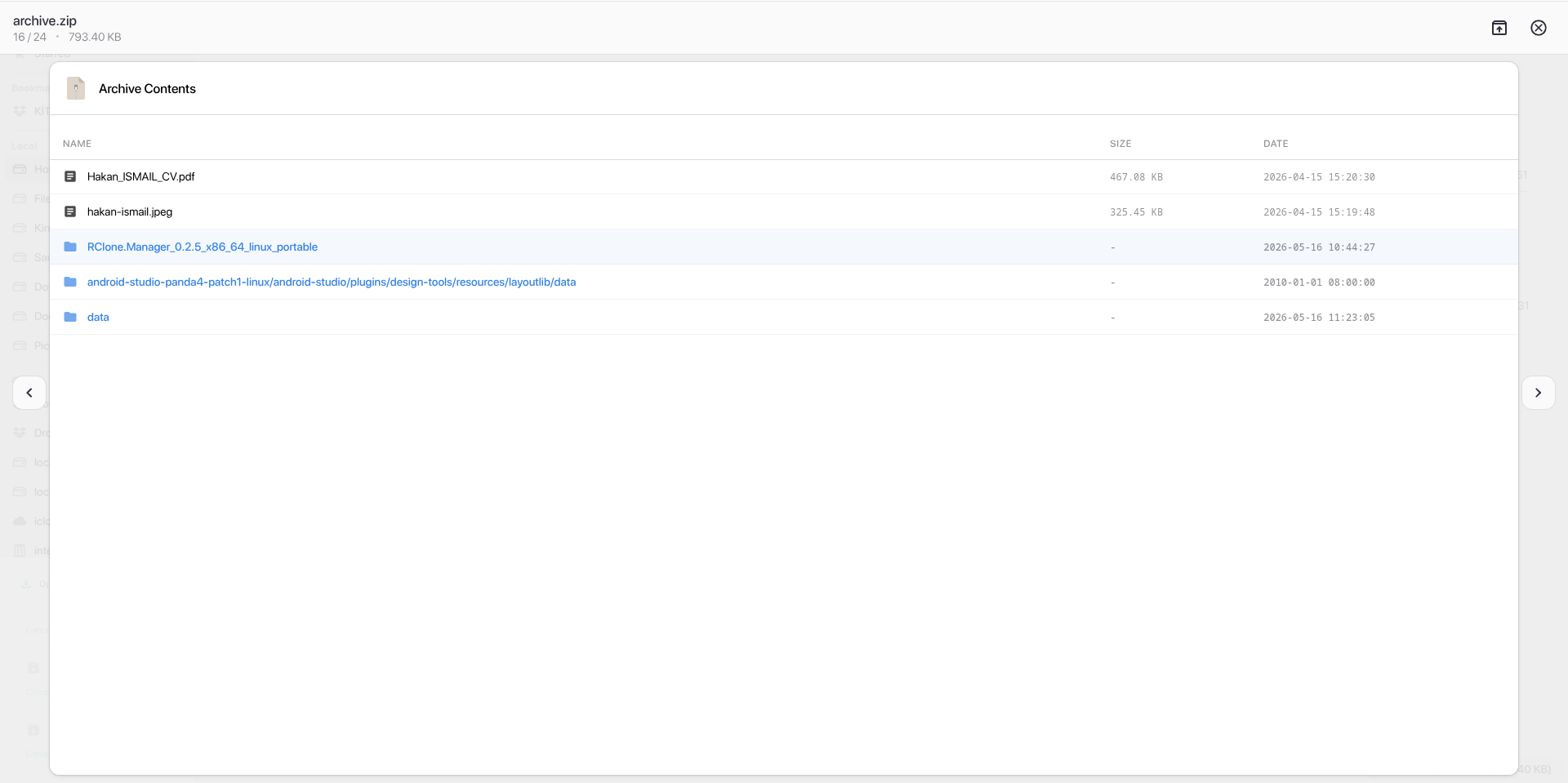
List: Browse archive contents in a tabular view with size, date, and file/folder indicators
Extract: One-click extraction for both remote and local archives
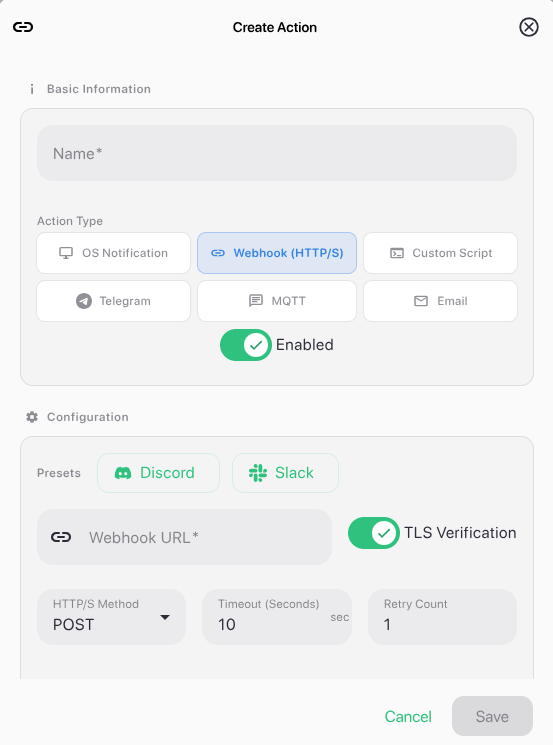
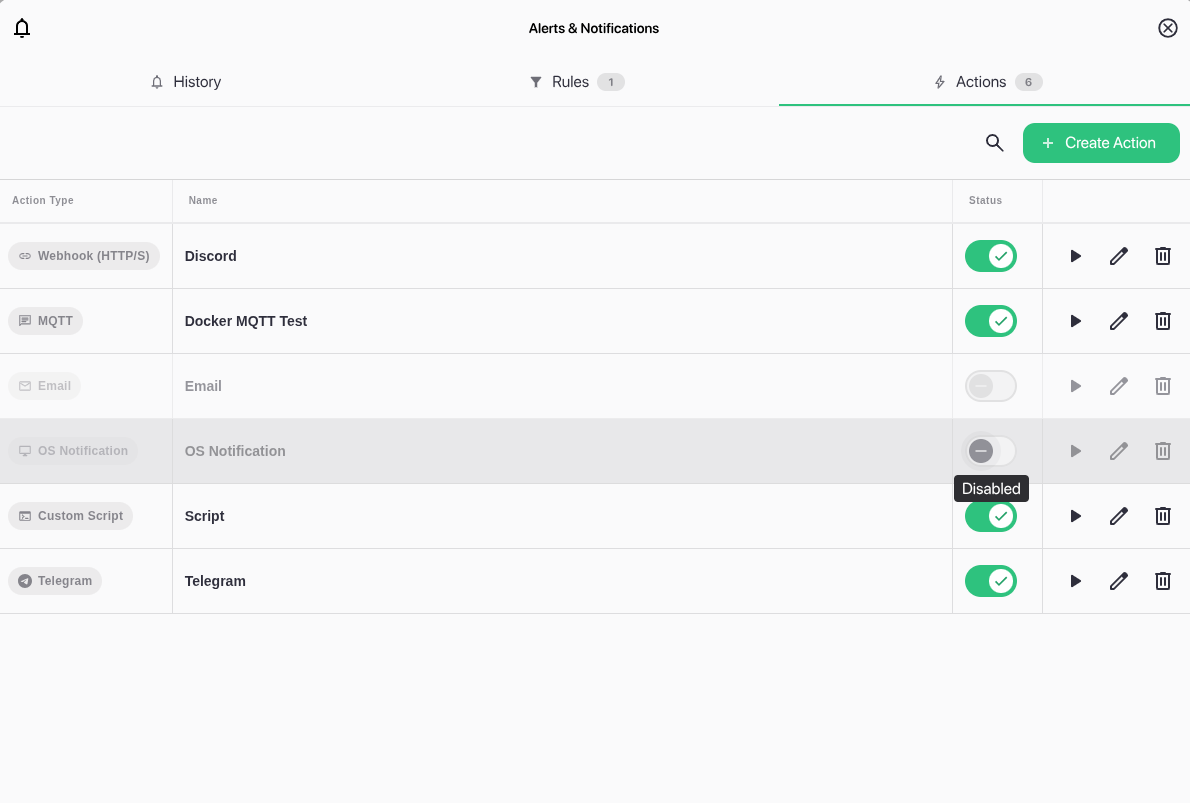
A new Actions tab in the Alerts section allows you to configure what happens when an alert rule fires. Supported action types: OS Toast, Webhook, Script, email, Telegram, MQTT.
Dynamic macro expansion is now available in path and option fields using `backtick` or $(POSIX) syntax. Supported macros include date (with full strftime support), hostname, user, and os. Expansion is handled entirely by an internal safe engine — arbitrary shell command execution has been removed. Supported macros list: RClone Manager - Manage Your Cloud Storage
Other Additions
Snap Store support — classic confinement for full filesystem access
Jottacloud — added as a non-interactive remote
Nautilus: lasso selection, URL download from path bar, upload files/folders via right-click
Local disk identification — volume labels (Linux) and user folder detection (Home, Downloads, etc.) across platforms. Requires rclone v1.74+ (core/disks command)
Rclone Cat fallback — file viewer falls back to rclone cat if direct access fails
 What is RClone Manager?
 Key Features
 Screenshots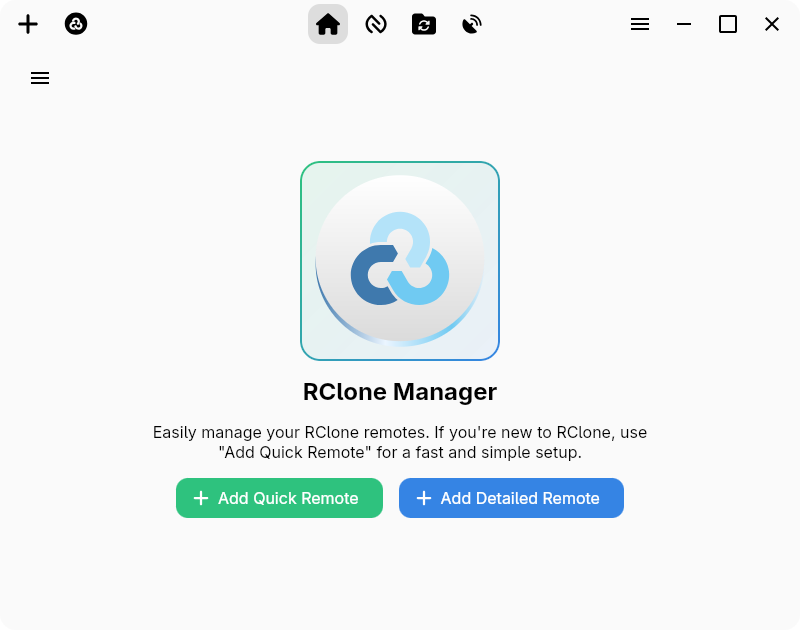
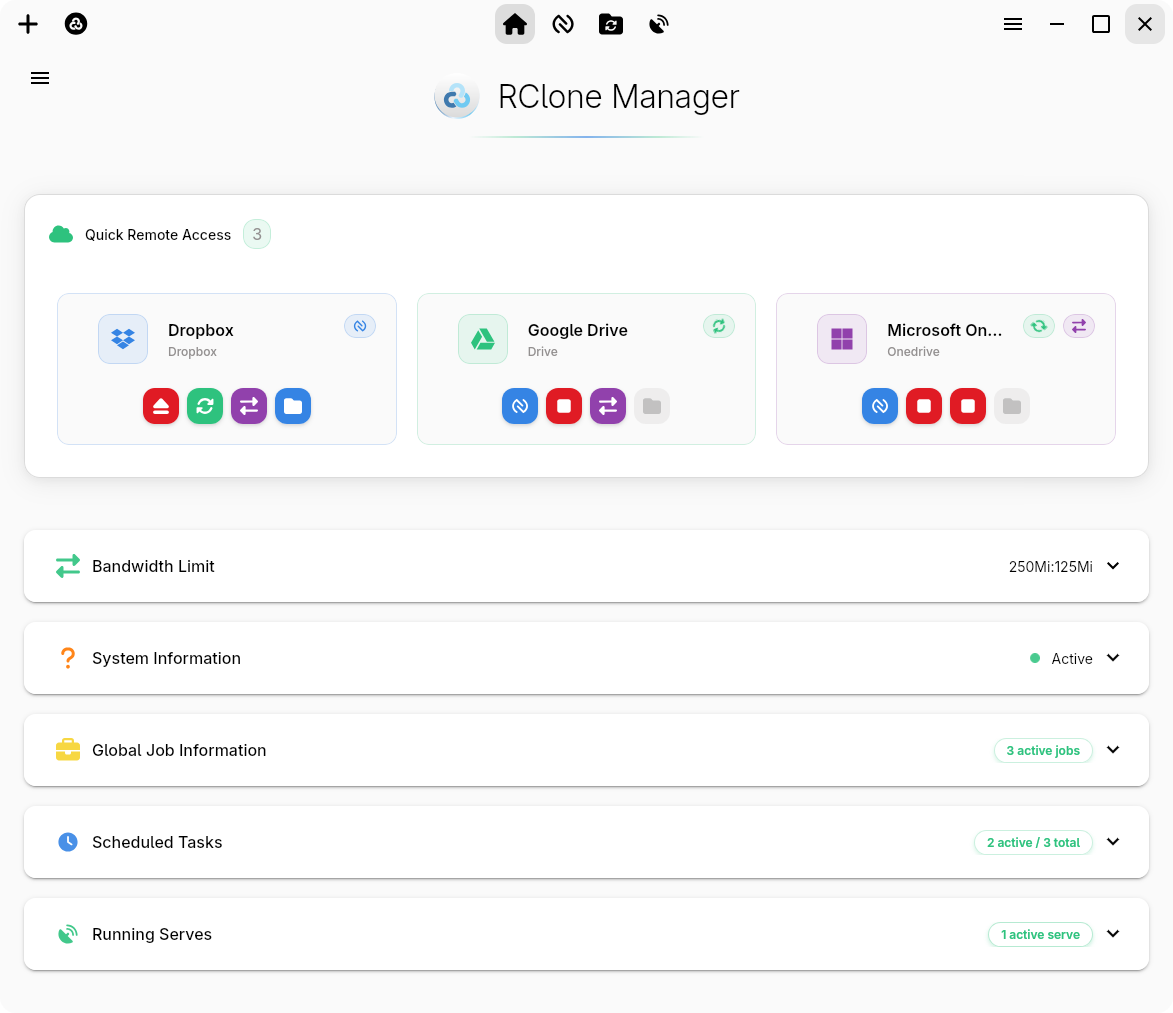
 Roadmap: Web UI & Docker
 Feedback & Contributing
 on GitHub is always appreciated!
 Acknowledgments
 Major Highlight: rcman
 What’s New
 Nautilus Component Enhancements
 Multi-Backend & Profile Support
 Advanced Rclone Tooling
 UI & UX Improvements
 Improvements & Changes
 Bug Fixes
 Hotfix & Feature Update v0.2.1
 Highlight: Intelligent Job Grouping
 Mount Disk Usage
 Visuals & UX
 Memory Optimization Behavior
 Bug Fixes