I'm going to go over the full setup... Maybe my approach is inefficient and you guys can make some recommendations.
- Seedbox - remote - Feral Hosting
- 1 TB storage locally
- Multi-tenant configuration .... however
- Full access to all 32 CPU cores and 128GB RAM (multi-tenancy however)
- Software
- Sonarr
- Radarr
- rclone but no FUSE - security reasons
I've got a directory here on this seedbox that I've called post-processing that is a full 0-size replica of my library. Radarr and Sonarr move files into this folder structure into their appropriate locations and I run the following as an every 5 minute cron job:
[[ $(pgrep -fu $(whoami) 'rclone move') ]] || /media/sdah1/$(whoami)/bin/rclone move --transfers 10 --min-size 1k --size-only --fast-list --tpslimit 5 /media/sdah1/$(whoami)/private/post-processing/ GCrypt: &
To go over the paremeters individually:
- --transfers 10 - just a recommendation I've received on Plex forums
- --min-size 1k - I am not trying to clobber my media files with empty files
- --size-only - If a file of the same size exists, don't bother copying just remove locally, amiright?
- --fast-list - just a recommendation I've received on Plex forums
- --tpslimit 5 - I'm told this helps with GDrive Error 428/429 rate limiting
Now an rclone lsd GCrypt: looks like this:
-1 2019-01-06 03:10:58 -1 Anime Movies
-1 2019-01-06 03:21:26 -1 Anime TV
-1 2019-05-18 17:18:24 -1 Cache
-1 2019-01-06 03:11:37 -1 Cartoons
-1 2019-05-25 02:30:37 -1 DB_BAK
-1 2019-01-06 04:07:58 -1 Movies
-1 2019-01-06 03:18:47 -1 TV
Honestly I don't know what is with the Cache folder. I tried using rclone cache at one point, perhaps it's a remnant? I don't even know. DB_BAK is where Plex is storing it's database backups every 3 days - we can totally ignore that for this conversation I hope.
On to server 2.
- Automation box - remote - Vultr
- 25GB storage locally
- single-tenant w/ root access configuration .... however
- Software
I have a systemd service which looks like this:
[Unit]
Description=rclone-gcrypt
After=network-online.target
[Service]
Type=simple
User=root
Group=root
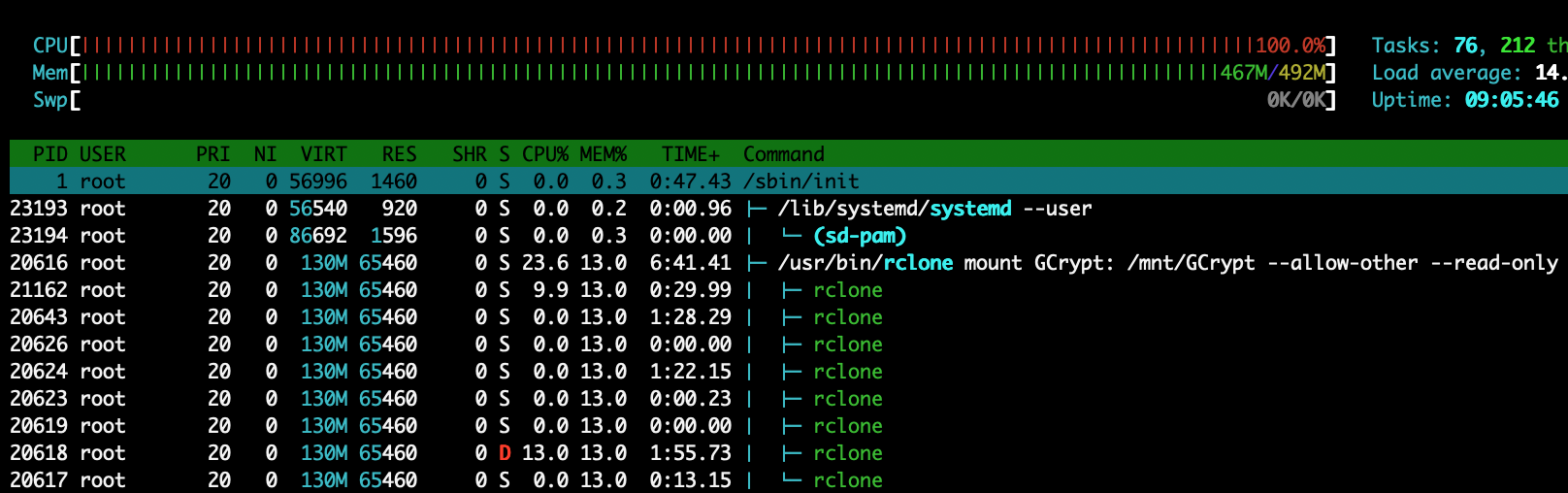
ExecStart=/usr/bin/rclone mount GCrypt: /mnt/GCrypt --allow-other --read-only --buffer-size 256M --dir-cache-time 6h --drive-chunk-size 128M --vfs-read-chunk-size 128M --vfs-read-chunk-size-limit off --use-mmap
ExecStop=/bin/fusermount -uz /mnt/GCrypt
Restart=always
RestartSec=2

[Install]
WantedBy=multi-user.target
ls /mnt
Directory_Sync GCrypt
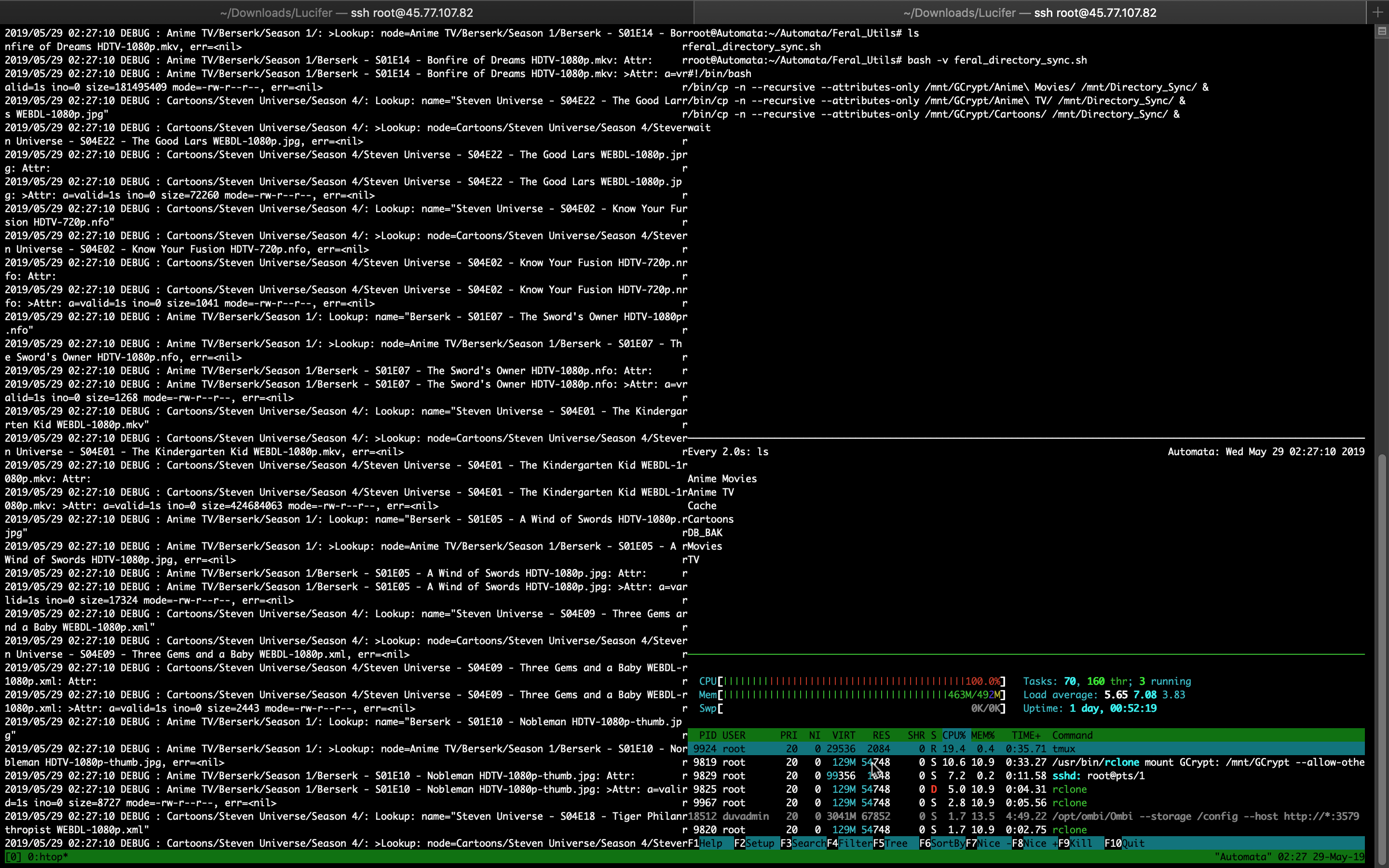
As I look at this I should definitely lower those chunk-size values (rubber duck debugging)... but... This is recursed with the following replication script. Obviously I'm forking the smaller libraries to run in parallel, and then waiting for those jobs to complete while the two large libraries run in parallel.
#!/bin/bash
/bin/cp -n --recursive --attributes-only /mnt/GCrypt/Anime\ Movies/ /mnt/Directory_Sync/ &
/bin/cp -n --recursive --attributes-only /mnt/GCrypt/Anime\ TV/ /mnt/Directory_Sync/ &
/bin/cp -n --recursive --attributes-only /mnt/GCrypt/Cartoons/ /mnt/Directory_Sync/ &
wait
/bin/cp -n --recursive --attributes-only /mnt/GCrypt/Movies/ /mnt/Directory_Sync/
/bin/cp -n --recursive --attributes-only /mnt/GCrypt/TV/ /mnt/Directory_Sync/
wait
/usr/bin/rsync -a --delete --ignore-existing --ignore-errors /mnt/Directory_Sync/ mysupersecretusername@prometheus.feralhosting.com:private/post-processing/
Now that recursive is failing, and I'm immediately cutting those values down [but please pretend I'm ignorant of the RAM usage that is being incurred there]. Am I doing this the best way I can? Is there not a way to rclone move those files from the seedbox and immediately touch what used to be there to leave a 0-size file of the same name? If I could do that, I could save $5/mo on not needing some separate box to run automation. I used to run this automation from a home server but I'm in the middle of a cross-country move, and my internet connectivity will be gone for some time.
The library being managed here is only around 35TB and I know rclone can handle SO much more than that. Your advice here would mean the world to me.