I have noticed that when attempting to run any interactive command like rclone config or any with the -i flag, PowerShell ISE does not work and allow the responses to be sent back. Is this expected?
hi, have you searched the forum?
https://forum.rclone.org/t/copy-synchronize-remote-directory-structure-to-local-destination/21093/12
yes, read that. that topic is called "Copy & synchronize remote directory structure to local destination" and does not provide a solution as to why PowerShell ISE when opened, does not work with rclone. Here is a recording of what is happening.
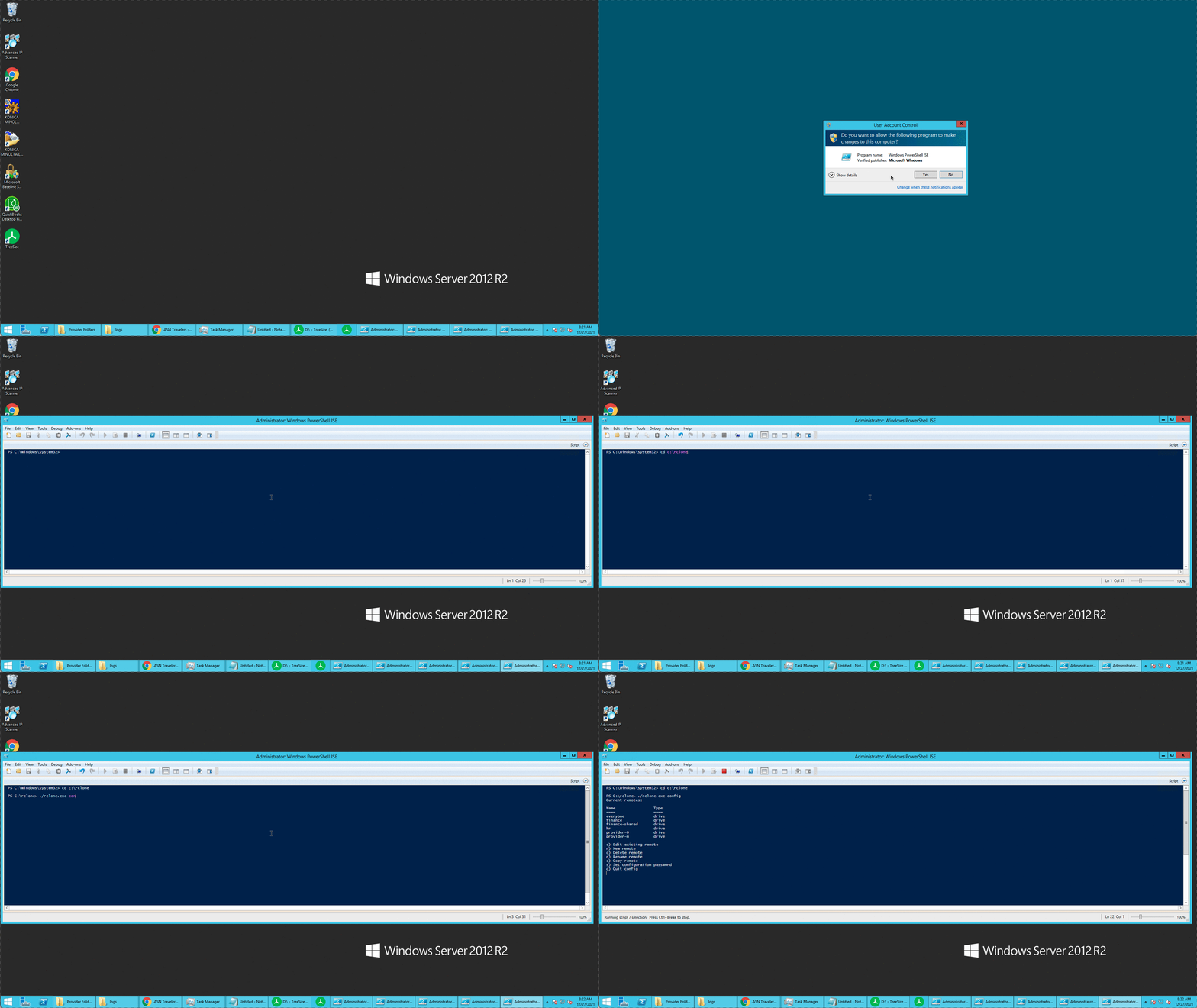
i did a quick internet search, looks like ISE cannot handle interactive scripts.
Can you site any references as this this seems to be contradictory to what documentation says about ISE.
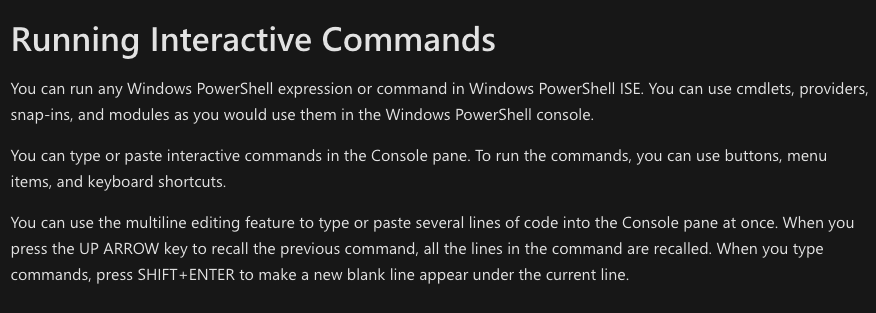
- so every other interactive command works, for example?
- rclone is the only interactive command that does not work?
I do not use any other interactive commands. I'm just asking about rclone
it is a known issue with ISE, nothing to do with rclone.
imho, the confusion is the definition of interactive commands.
that means you can type commands on the command line/window, same as cmd.exe
that does not mean you can run commands that require user interaction.
for example,
PS C:\WINDOWS\system32> diskpart
Cannot start "diskpart". Interactive console applications are not supported.
To run the application, use the Start-Process cmdlet or use "Start PowerShell.exe" from the File menu.
To view/modify the list of blocked console applications, use $psUnsupportedConsoleApplications, or consult online help.
At line:0 char:0
This topic was automatically closed 3 days after the last reply. New replies are no longer allowed.