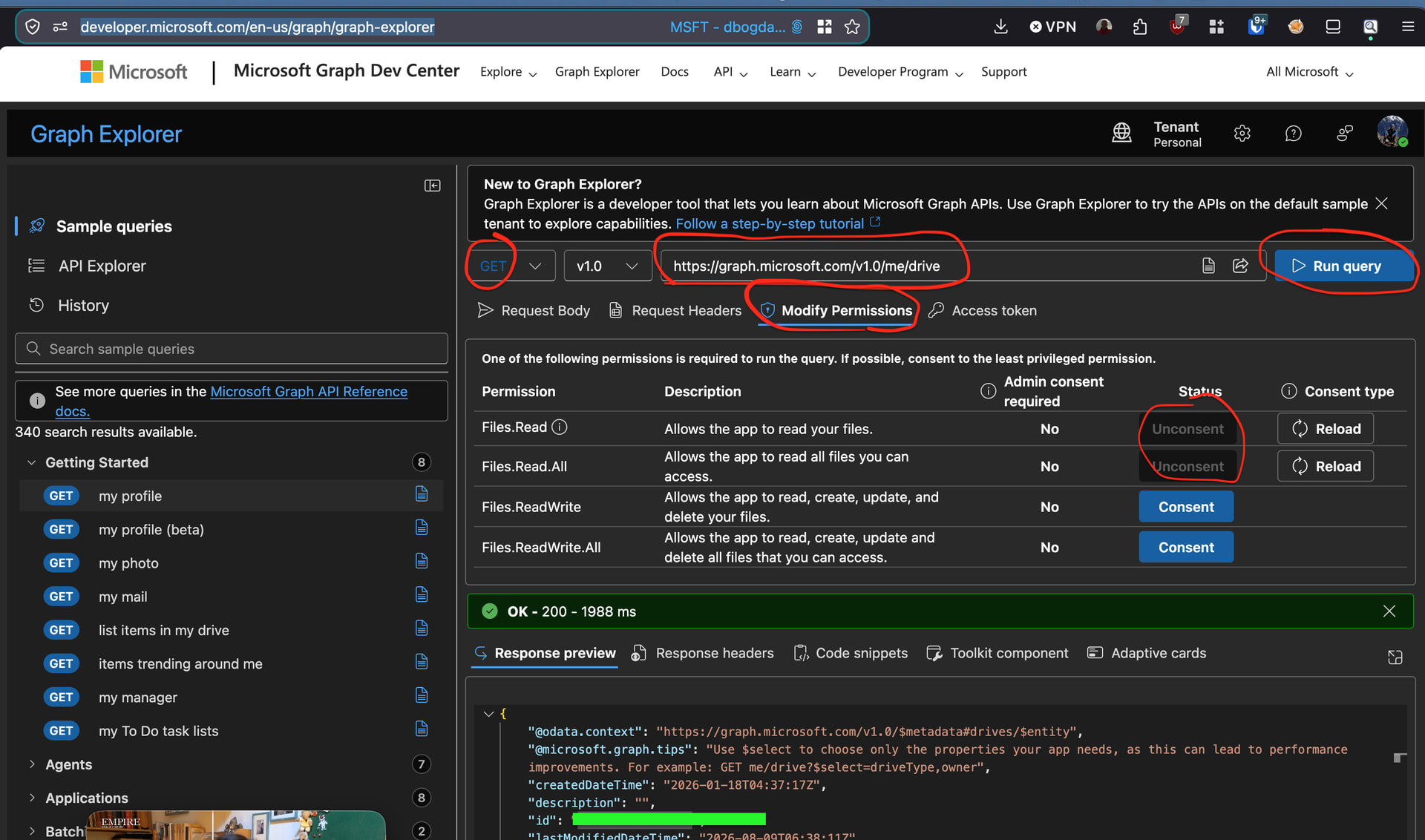
As far as I can tell, that is the full debug log, unless there's something else that can be done to generate even more verbose output than just -vv. You can see mine above, it's very similar.
I've also tried setting up the remote by getting my own Client ID and Key as outlined in https://rclone.org/onedrive/#creating-client-id-for-onedrive-personal, but the end result is the same (403 Forbidden). If needed, I can upload a log of that as well, but I'm not sure it'd be very useful since it's mostly very similar.
Almost forgot to mention that I tried swapping to Windows 10 (using rclone v1.75.0), but to no avail. While I was on Windows, I also tried v1.74.4, v1.73.5 and v1.72.1 of rclone, but all gave the same 403 Forbidden error.
Did a test of my own. The issue is actually just with creating the remote through rclone. If you fill in the details in rclone.conf some other way, everything works perfectly fine.
In my case, I happened to already have AeroFTP configured. I found out that the program supports exporting your credentials to rclone (via making a rclone.conf file), so I gave it a shot. When I used this configuration file, everything works perfectly. I can see the folders/files in my OneDrive, and I did a test copy of a directory successfully.
Here's what my rclone.conf that AeroFTP created looks like:
# Generated by AeroFTP - https://aeroftp.app
# Exported: 2026-08-20T15:27:08Z

[onedrive]
type = onedrive
drive_id = {drive_id}
drive_type = personal
client_id = {client_id}
client_secret = {client_secret}
token = {"access_token":"{access_token}","expiry":"{expiry_date}","refresh_token":"{refresh_token}","token_type":"Bearer"}
Obviously I've had to redact pretty much everything, but the fields were filled as expected, with a client_id and client_secret from the OAuth2 app I created for use with AeroFTP. I used almost the same settings for the app as the rclone documentation suggests, except that I left out Sites.Read.All since it wasn't relevant to me.
The main thing is that AeroFTP got my drive_id, which I don't know how to get otherwise. https://rclone.org/onedrive/ only shows you how to get it for a Business account.
I guess this has sort of solved my problem, since I can now use rclone without any issues. Though it probably isn't ideal that setting up a (personal) OneDrive remote doesn't work through rclone itself and requires exporting credentials from a different program at the moment.
using aeroftp, when did you create the onedrive config?
i am curious if microsoft changed something with personal or if this is a rclone issue?
using aeroftp, can you create, from scratch, a new account, not re-using credentials?
Actually, I configured AeroFTP after trying and failing to create a rclone remote. When I said that I "already [had] it configured", I meant in relation to rclone, which I couldn't configure successfully at all. Sorry for the confusion!
Because of that, I'm pretty confident that the error/issue isn't on OneDrive's end. Or if OneDrive did change something, AeroFTP's process has either been updated or still works, while rclone's doesn't.