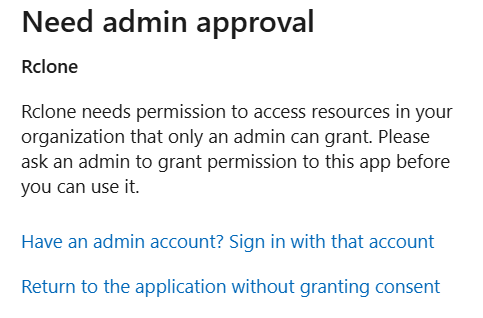
When setting up Rclone on my Onedrive Business account, I encountered “Need Admin Approval” message, even though other applications that interact with Onedrive data works fine.
Run the command 'rclone version' and share the full output of the command.
rclone v1.72.0
os/version: Microsoft Windows 11 Home 24H2 24H2 (64 bit)
os/kernel: 10.0.26100.7171 (x86_64)
os/type: windows
os/arch: amd64
go/version: go1.25.4
go/linking: static
go/tags: cmount
Which cloud storage system are you using? (eg Google Drive)
Onedrive
The command you were trying to run (eg rclone copy /tmp remote:tmp)
rclone config
Please run 'rclone config redacted' and share the full output. If you get command not found, please make sure to update rclone.
[minecraft]
type = onedrive
client_id = XXX
client_secret = XXX
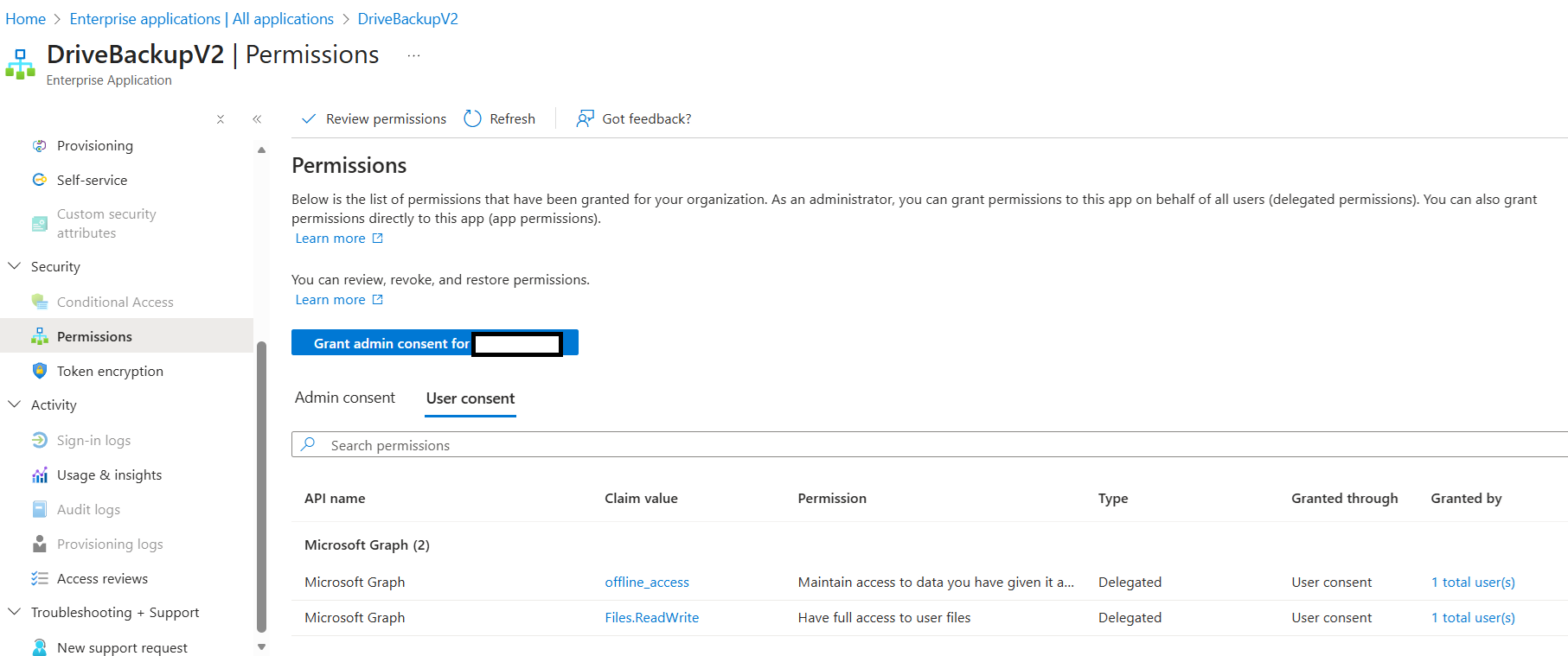
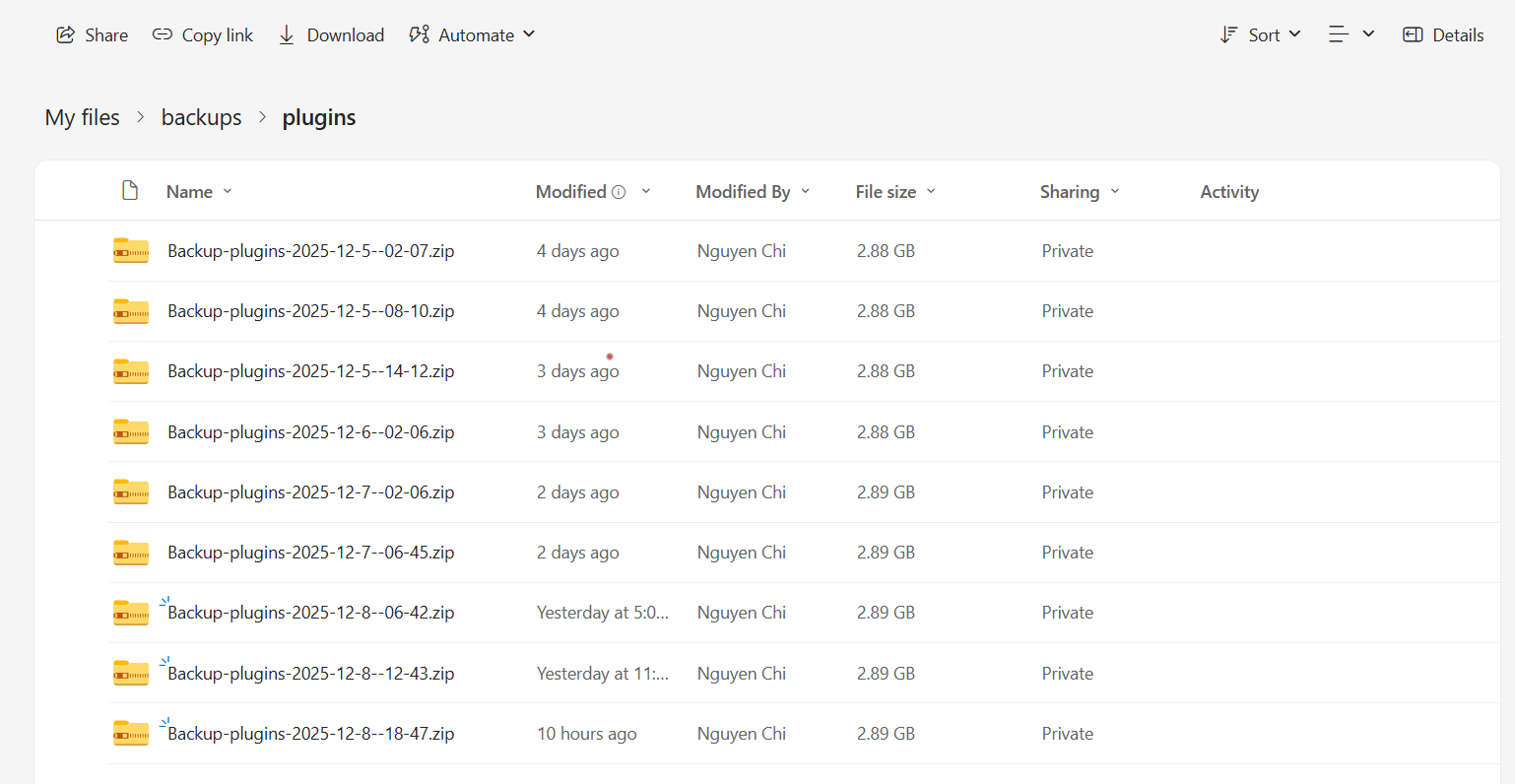
Though it requires admin approval when setting this up, it doesn’t need it when I set up other applications that interact with Onedrive. For example: I’m using a plugin called DrivebackupV2 to upload Minecraft files onto my Onedrive storage. The process of setting this up requires the user to access the device sign-in page, enter a code, then after signing into the account, it’d then upload the files onto Onedrive normally without needing consent.
It also created an Enterprise Application with respective permissions approved under user consent.
This means that there should be a way to set this up, however, I could not achieve the same for Rclone. Could you please guide me what I’m not doing right?
in the last few months, onedrive has been undergoing a lot of changes, breaking backwards compatibility.
so, that might be a new requirement, and the reason DrivebackupV2 continues to work.
I see. May I know if there is any way for me to set this up without admin approval now? Or do we have to wait until there’s a new method to set up the connection?
I set up that plugin with Onedrive the same day I tried connect with Rclone on the same account, so I don’t think it’s a recent change with the account itself.
I’ve been dealing with something similar at my institution. Talking with the o365 admins it seems something changed on the MS side back in August that caused this requirement for new set-ups. Folks who had already approved it prior to that were grandfathered in. Unfortunately the Uni has put up a number of bureaucratic roadblocks to getting this re-enabled for us on the MS side including requiring a security analysis form to be filled out by ‘the vendor’ :\ If some sort of workaround could be implemented on the rclone side I’d be all-ears for that but as the change was on the MS side I kinda doubt it.
There appear to be methods to do it, but not with Rclone at the moment. As mentioned in the original post, I was using a Minecraft plugin to backup my server files, and I noticed that it could still set up and upload on behalf of user just by doing device login. Since then the files are still being uploaded automatically without any issue.
Maybe Rclone could implement something like that? Though I am not certain if it could provide 100% file management, because this plugin only serves to upload files to Onedrive, not to interact with them in every possible way.
pretty sure, you are going to have to figure that out.
maybe, when setting up the rclone remote config, adjust the permissions to match that DrivebackupV2.
with rclone, can use --dump=headers for a deeper look at api calls.
read the debug log for DrivebackupV2, see what it is doing with api calls.