$ rclone mount remote: /path/to/mountpoint -o "backend=fskit"
or to make it default edit /Library/Application Support/fuse-t/cfg/fuse-t.ini
If you try and have any issues with fuse-t then please report it directly on fuse-t github page instead of here. Alex Fishman (the software author) is very responsive and acts quickly on any bugs.
PS. macFUSE offers NFSKit support too - but it is not ready for any serious use yet.
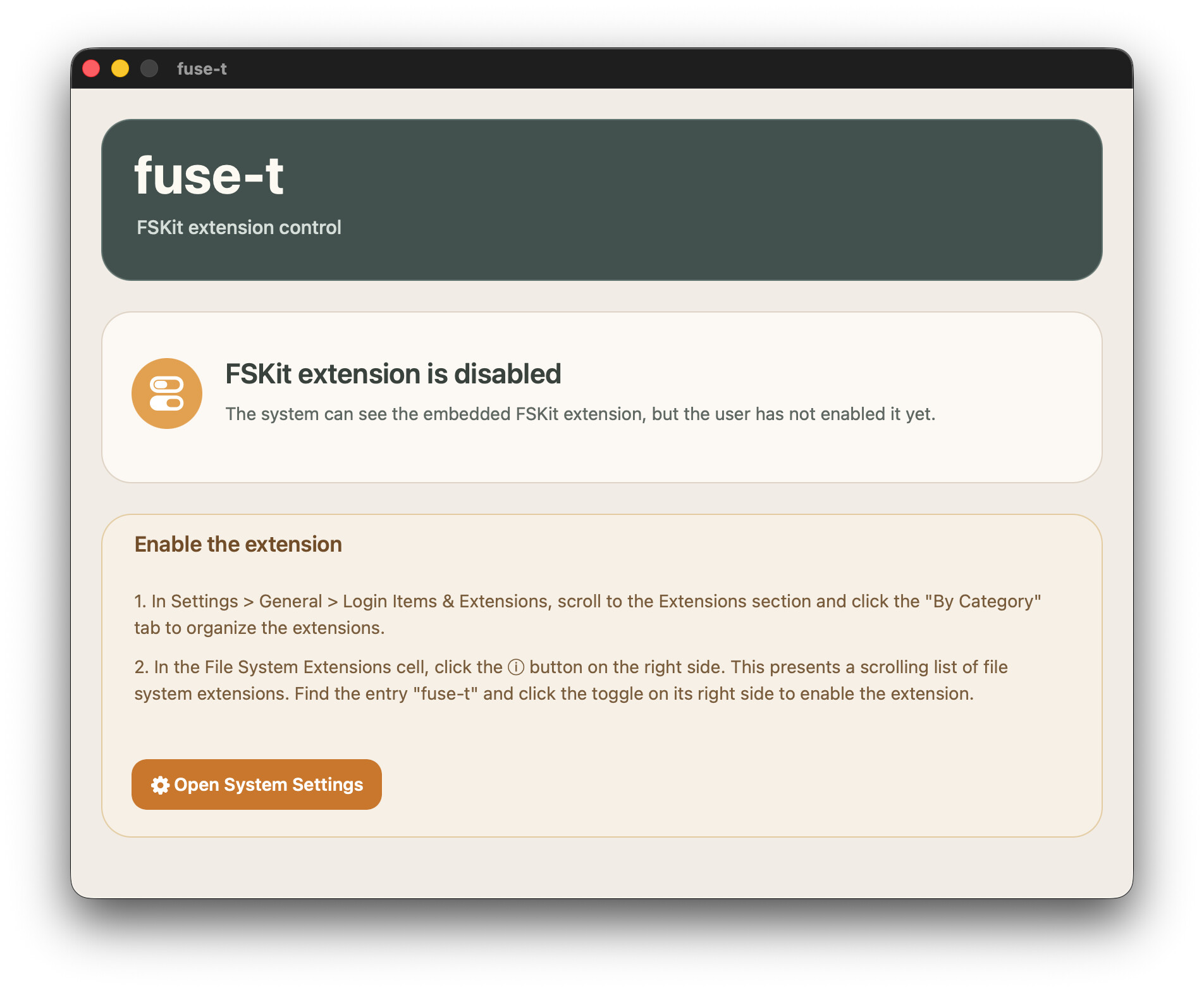
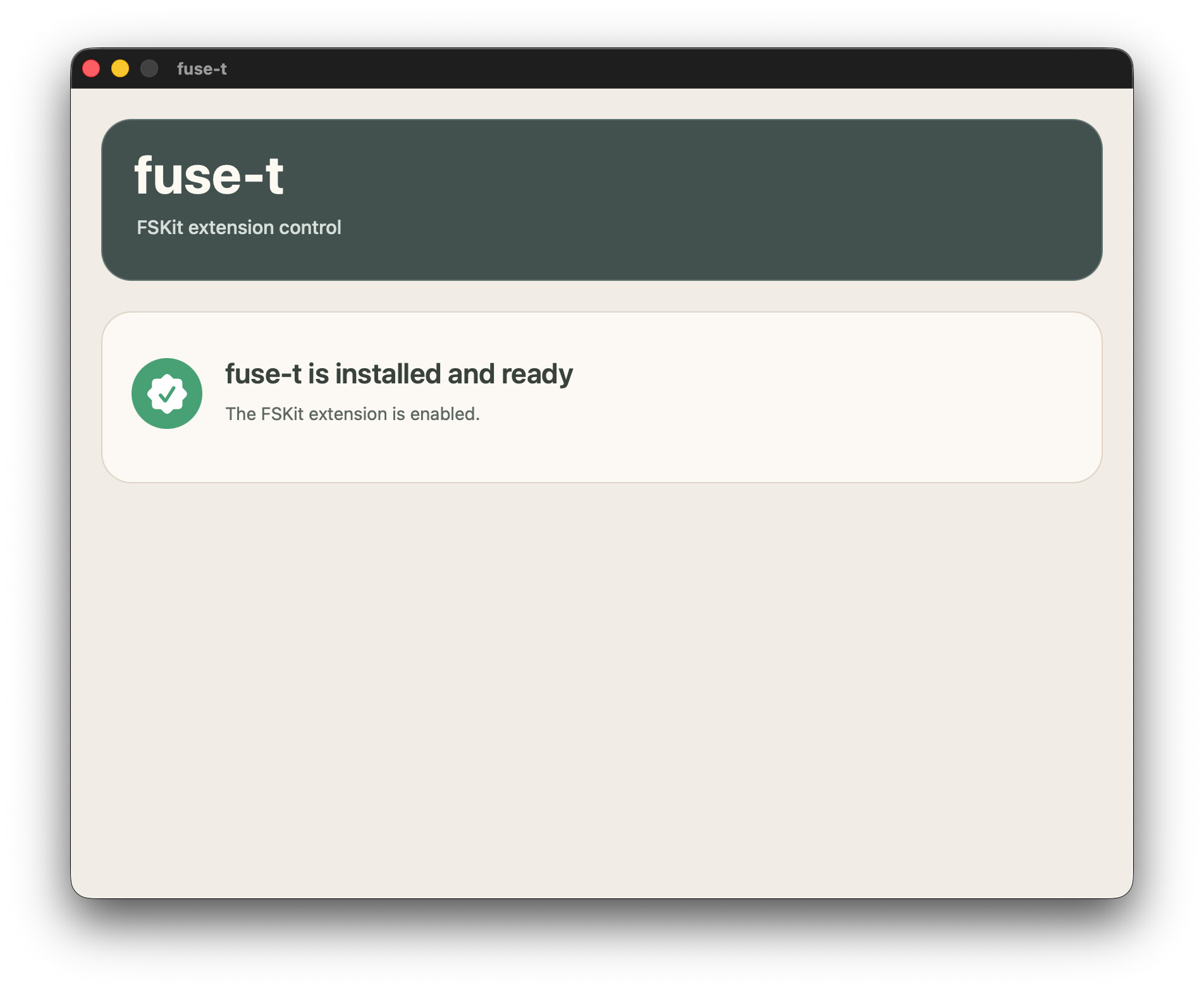
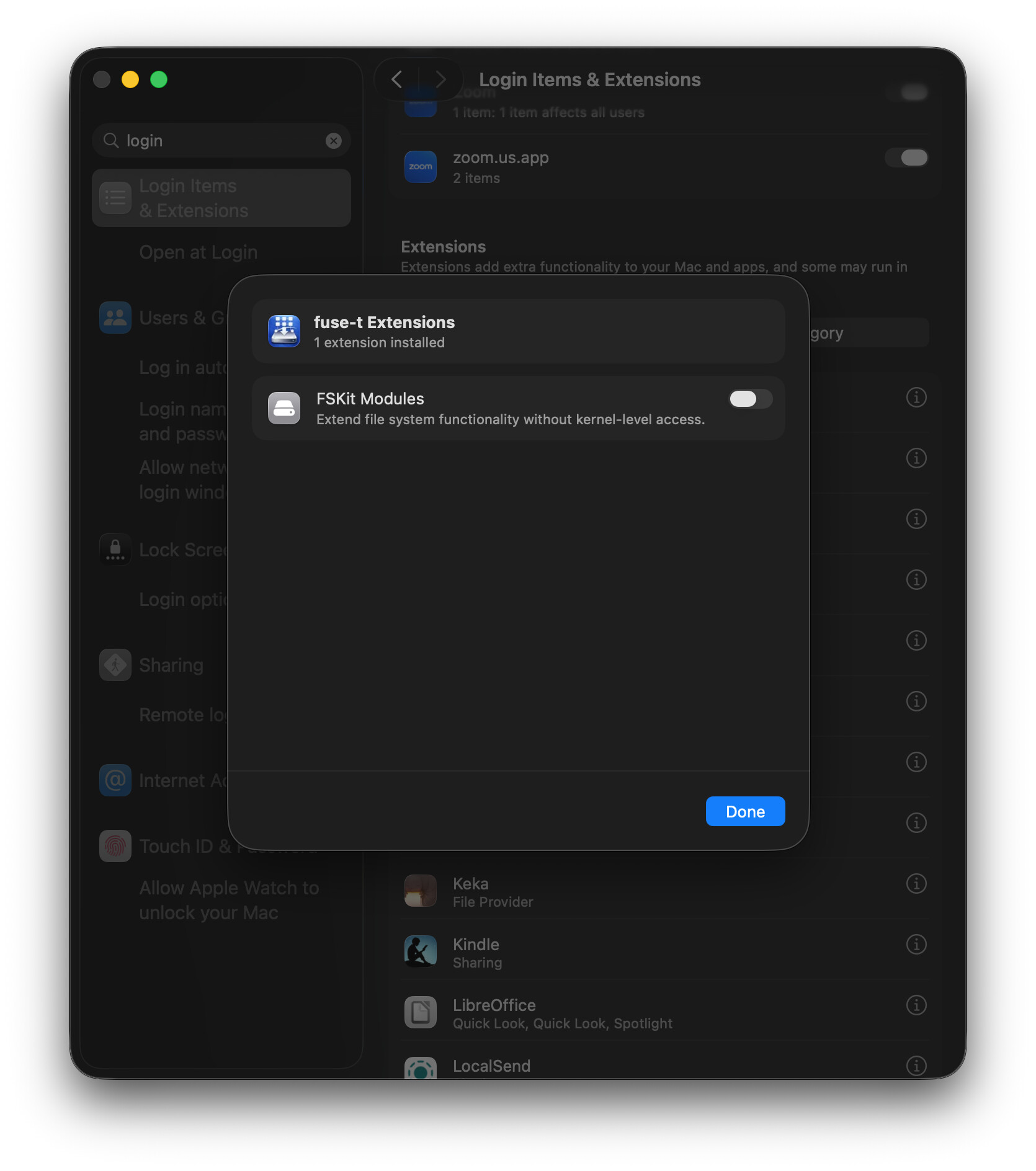
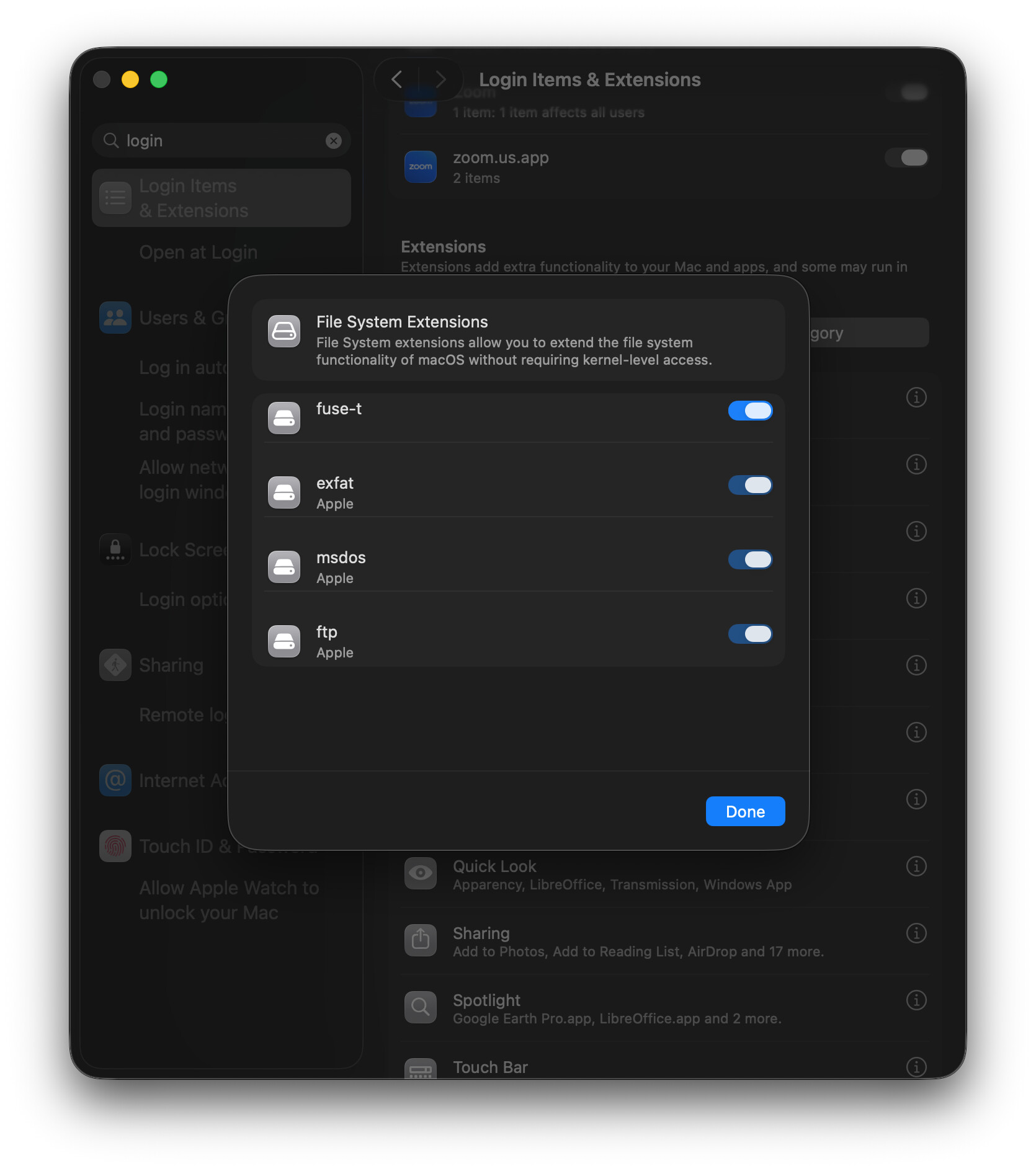
I installed the latest version of fuse-t (v1.2.1) but cannot enable the FSKit extension as the button is greyed out. I can still mount my remote but cannot use -o "backend=fskit"
How can I fix this problem? I am using a 15” M3 MacBook Air running MacOS Tahoe 26.3.1 (a)
Is this a significant improvement over regular fuse-t? At your recommendation I have been using it on my Mac for some time now & never had a problem. A little slow at times but otherwise usable.
In theory it should work better - it is truly native and recommended by Apple way to do it.
What the practice will be? We’ll see. I am using FSkit for few days now and so far it is ok - but it took few fuse-t updates to get here. Which means also that maybe some rough edges are still there to iron. More people try faster we get there.
Thanks for the prompt replies. I switched to view By Category & then could enable the extension. It all seems to be working OK with -o "backend=fskit" I use a Shortcut to do the rclone mount at Login so it all works when I reboot.
My backups are now complete so I will upgrade to MacOS 26.4 & report back. Apparently some people find their Mac is bricked after a failed upgrade to 26.4
Happily I didn't brick my MacBook Air when I upgraded to MacOS 26.4 & all appears to be working OK. It definitely seems a little snappier performing with fuse-t via FSKit
My cloud storage is Google Drive. I use the MBA when I want to do housekeeping & move files about. It’s really easy being able to use the Finder to access the files & evidently any copying of files is done server side & the files never get downloaded to the MBA.