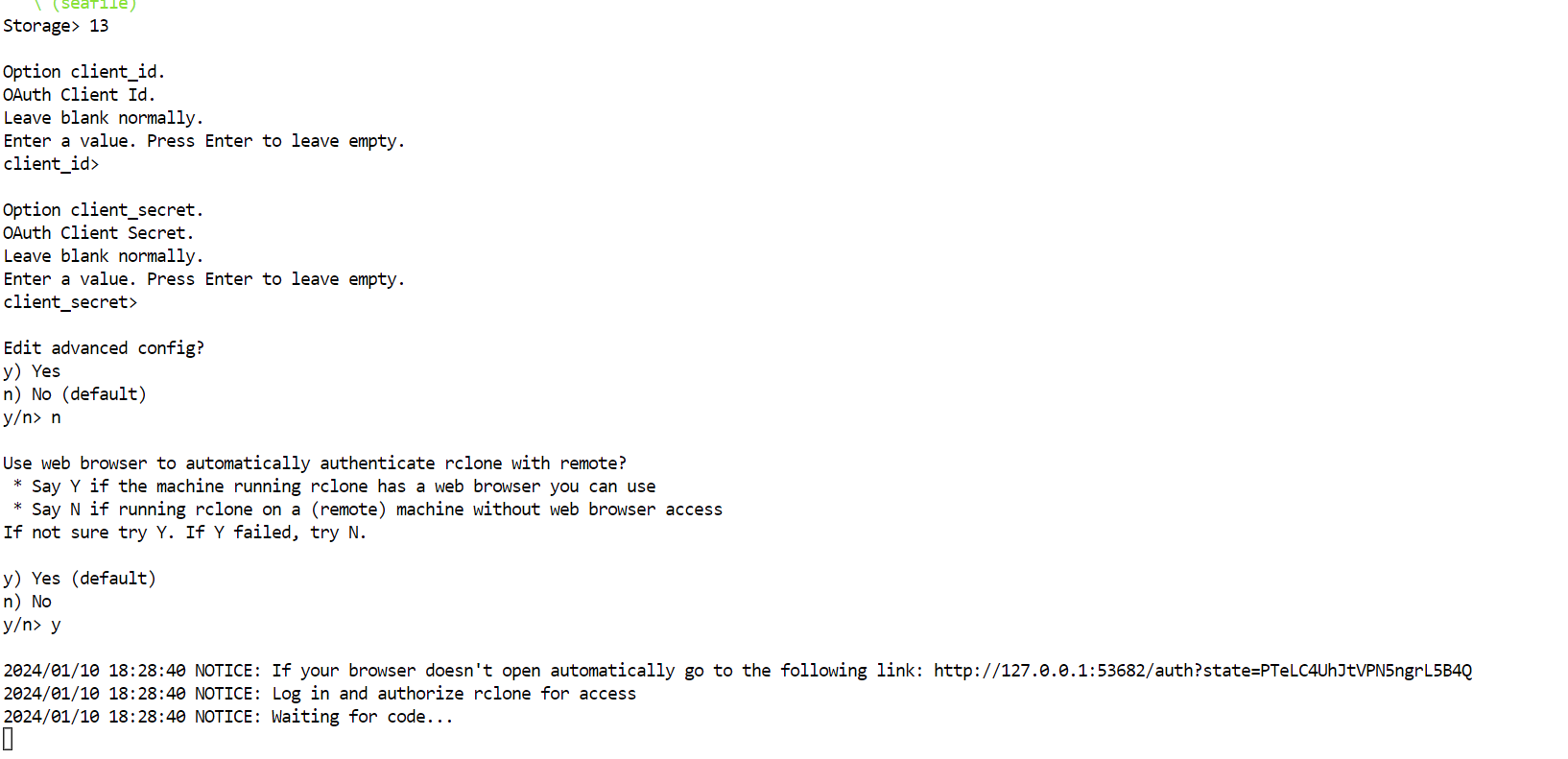
i havent done this in a while. I used to enter the link into chrome and be taken to an Oath for dropbox but instead i get the "This site can’t be reached"
is this just a case of firewall or something of that sort? I turned off my firewall and still dont get access to the site
I am inclined to think that the link to the Dropbox Oath login should not require me to create an app. I think RClone does that on my behalf. I am not sure what is blocking the connection. I suppose somebody knows this in this forum, as it is pretty basic. Unless something stopped working since last time i used rclone config for dropbox (about 3 months ago)
i just tried, and no problem, rclone opens dropbox login website
agreed, as when rclone open web browser to dropbox, you have not even logged in.
maybe you are already logged into dropbox, or cookie issue.
i would run rclone config again, get rclone to display the url.
then copy/paste the url, http://127.0.0.1:53682/auth?state=e9fpQyuRWzguSfqnEmOVMQ, into a different browser or use same web browser using a new private window.
I am getting this now:
2024/01/10 21:34:48 Fatal error: config failed to refresh token: failed to start auth webserver: listen tcp 127.0.0.1:53682: bind: address already in use