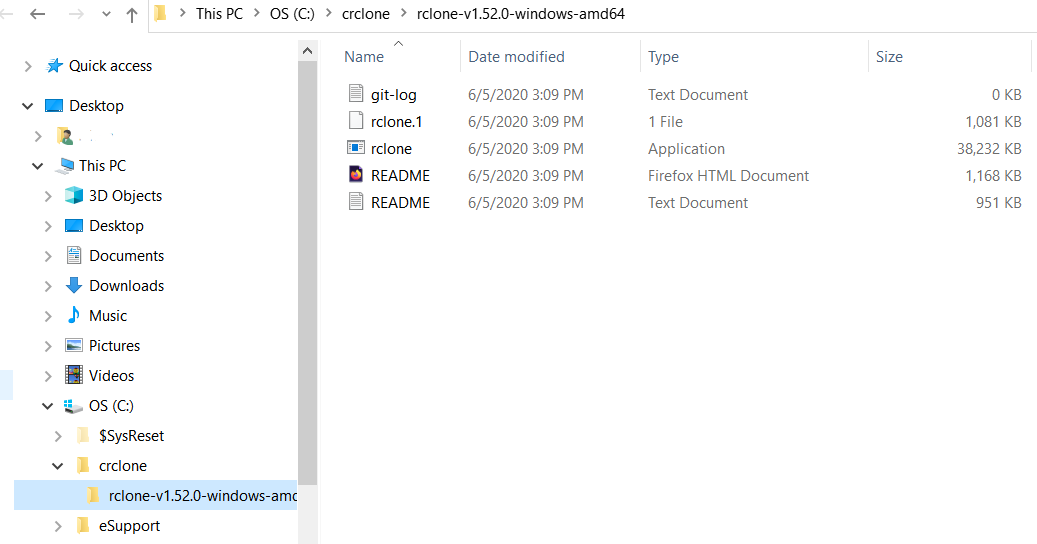
you need to share the exact command you typed on the command line and the exact error.
copy and paste it from the command promp or use a screen shot snippet.
most of your questions are not about rclone,
they are about very basic command line usage on windows.
OK.
C:\Users\xxxx>c:\crclone\rclone-v1.52.0-windows-amd64\rclone.exe listremotes:
Access is denied.
C:\Users\xxxx>c:\crclone\rclone-v1.52.0-windows-amd64\rclone.exe listremotes
Access is denied.
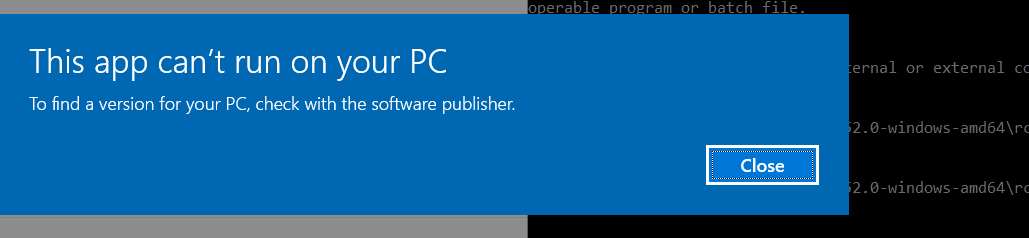
Dialog Box that opens is a standard win 10 blue box with Dialog:
"This app can not run on your pc"
you need to post the dialog box, use the snipping tool and paste the image here.
this work before
Sorry, are you asking me if that command line worked? If so, yes.
c:\crclone\rclone-v1.52.0-windows-amd64\rclone.exe version
run the command, post the command and output.
C:\Users\xxxx>c:\crclone\rclone-v1.52.0-windows-amd64\rclone.exe version
Access is denied.
Followed by same dialog box above
can you do a winver and post that
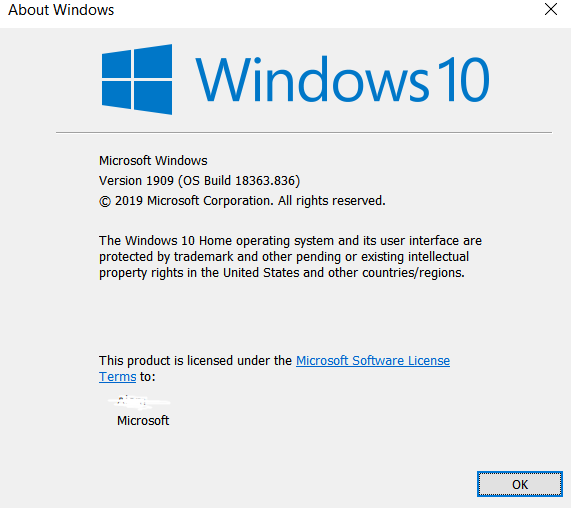
I hope you are not giving up on me! 
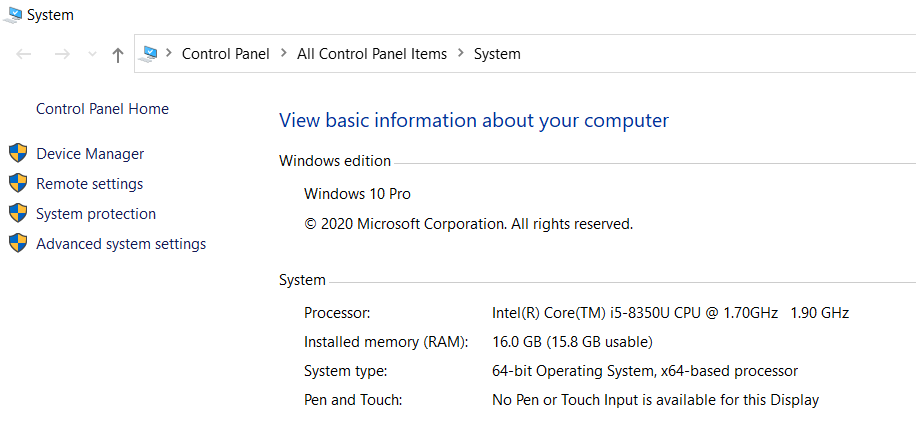
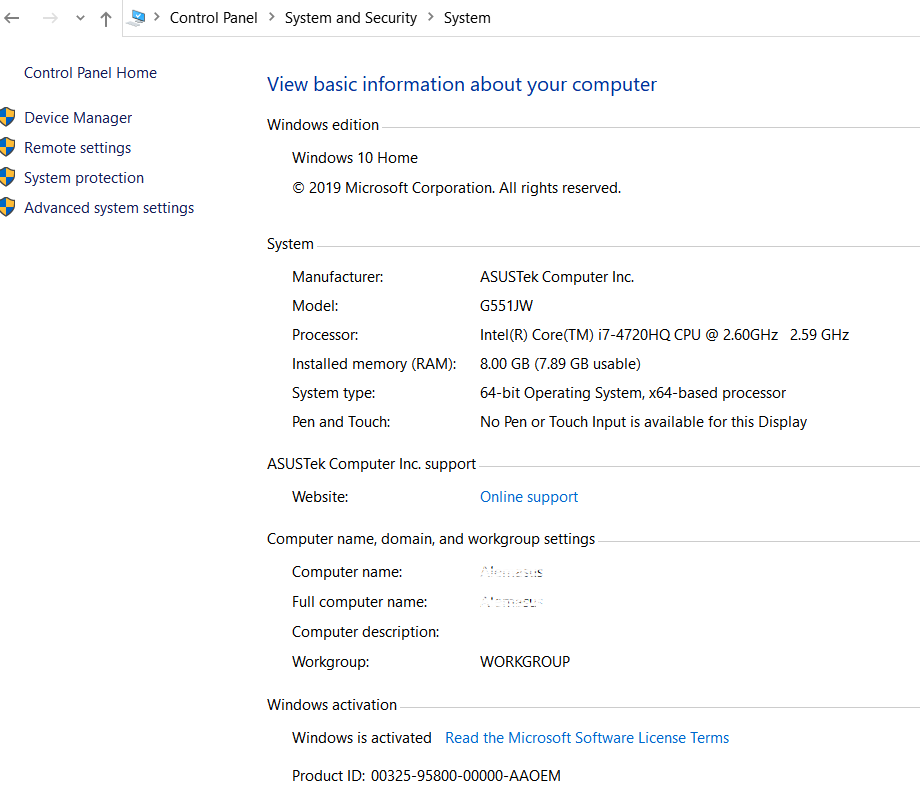
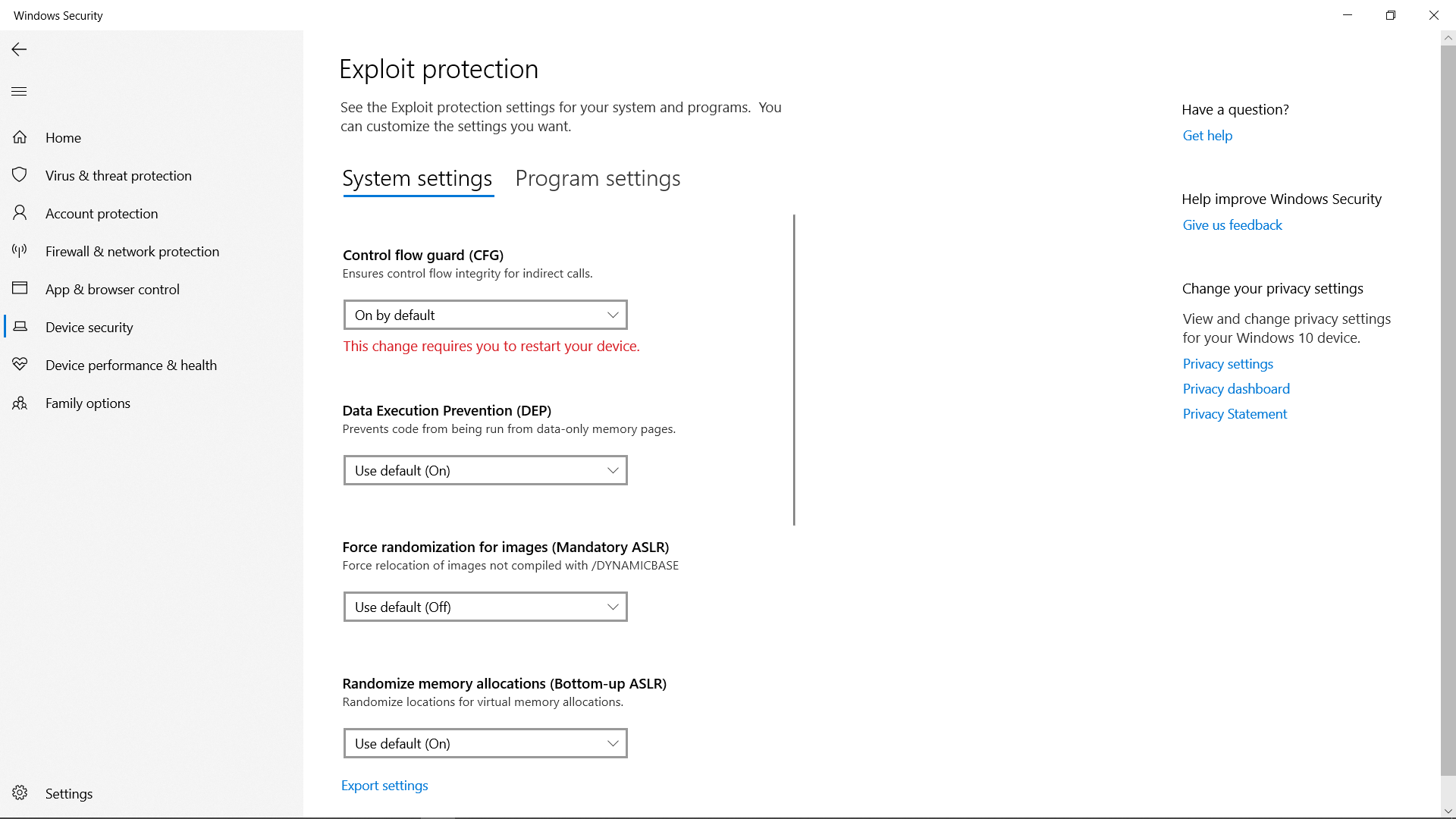
i suggest that we download rclone again.
this will not damage your config file, that will not change.
download the zip file again
https://downloads.rclone.org/v1.52.0/rclone-v1.52.0-windows-amd64.zip
create a folder
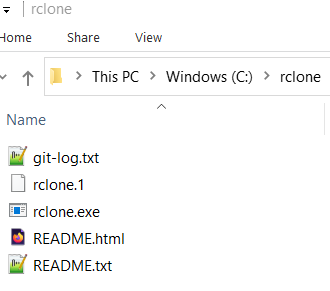
c:\rclone\
and move the contents into the root of c:\rclone
the files should be in c:\rclone\ and not in a subfolder.
do a dir c:\rclone and post that output
Not to interrupt, as you are almost there, but I note the OP's machine keeps having a hard time 'finding' rclone.
You can add the path to Windows Environment variables, then Win will always find it.
FWIW, I put the rclone files in C:\Program Files\rclone so it it with other programs. But it's also fine in C:\rclone.
Finally, the utility Chocolatey has begun keeping current versions of rclone in their registry. This makes installing and updating rclone (and a lot of other apps) a piece of cake.
good suggestions.
tho spaces in a path scares me
have to use those damn dirty quotes 
given the OP seems to be new to command line, that might be a bit much.
the easist way is to copy rclone.exe to c:\windows\system32.
Thank you both. Just to be sure step by step, this is where i am restarting the whole thing....I downloaded as instructed and this is what I get...if this looks right, shall i go through the next command line steps as before?