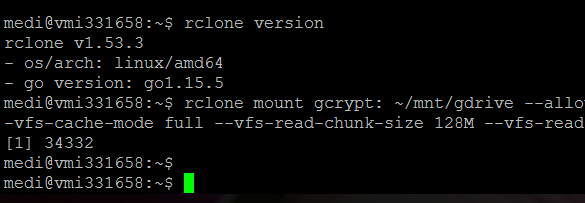
Got this error Fatal error: failed to mount FUSE fs: mountpoint does not exist: /home/medi/mov
Then I set it up and got another train of errors.
bytesized-hosting com pages rclone-gdrive
medi@vmi331658:~$ 2020/12/15 12:43:09 ERROR : /home/medi/.cache/rclone/cache-backend/gcache.db: Error opening storage cache. Is there another rclone running on the same remote? failed to open a cache connection to "/home/medi/.cache/rclone/cache-backend/gcache.db": timeout
2020/12/15 12:43:11 ERROR : /home/medi/.cache/rclone/cache-backend/gcache.db: Error opening storage cache. Is there another rclone running on the same remote? failed to open a cache connection to "/home/medi/.cache/rclone/cache-backend/gcache.db": timeout
2020/12/15 12:43:11 Failed to create file system for "gcrypt:": failed to make remote gcache:"serv/fms" to wrap: failed to start cache db: failed to open a cache connection to "/home/medi/.cache/rclone/cache-backend/gcache.db": timeout
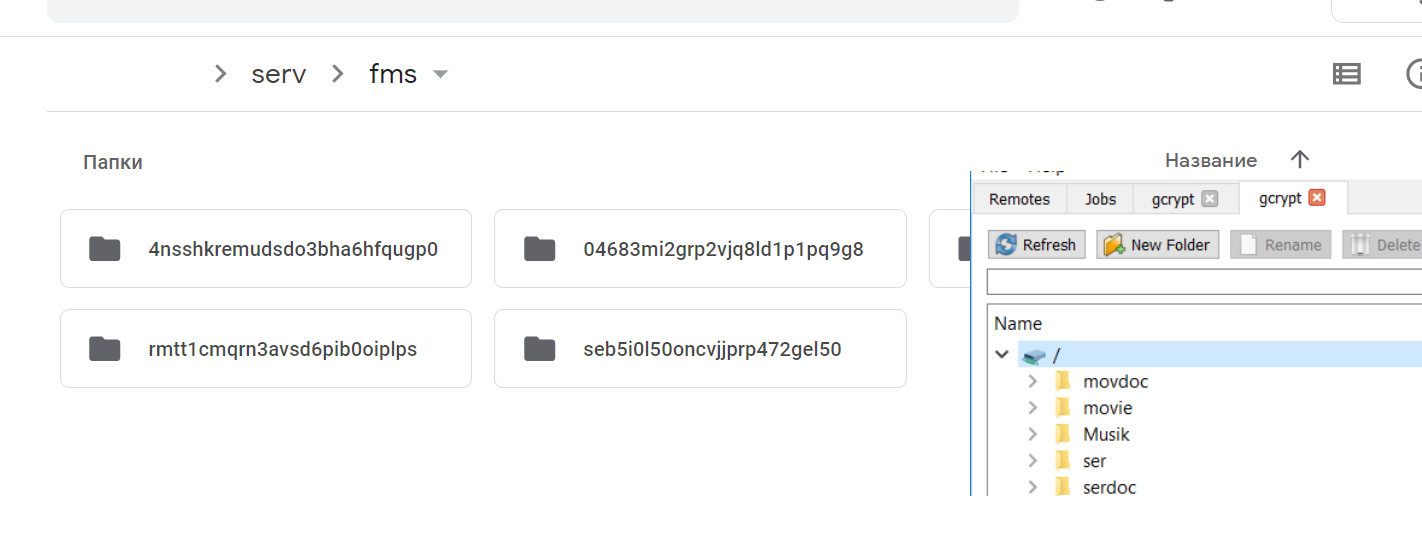
All settings were made from the newly created user. For the second day I have been leafing through everything and looking for information. Can someone please explain normally how to screw my encrypted 5TB google drive with this vps contabo. Before that, I also figured out for a very, very long time, until by a miracle everything worked. Then I decided to update and configure everything as normal, I can install everything on the docker. But no, everything is covered again and nothing works. As a result, I configured everything without a docker and it remained to mount the disk.
Now I really want to figure out how to properly configure everything so that it works, and everything flies without problems. I'll write it all down for myself and hang it on the wall for use next time.
I cleaned out the /home/medi/.cache/rclone/cache-backend/ folder
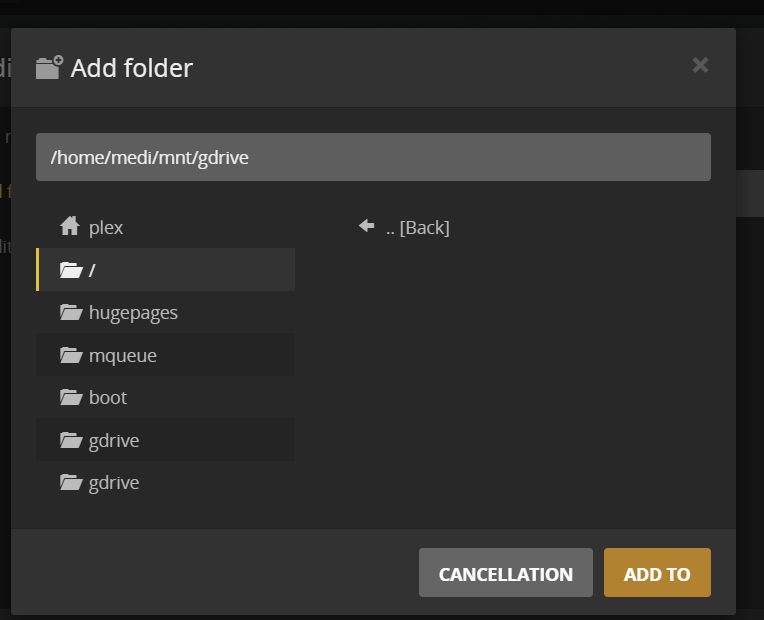
also removed --allow-non-empty and rebooted. I try again, no more errors crash, but this folder is still empty. I created it from this user, as in all tutorials.
I really ask for help, I can do everything. Grant access to the panel.
I would like to deal with this once and for all, because it is all very difficult. After all, it's a very awesome program, I've been using it for a year now. But the problem with mounting is eternal.
Updated everything as you said. I also noticed that a new folder /home/medi/.cache/rclone/cache-backend/ has been created. I deleted it. after the reboot, she no longer appeared. And I tried your updated team. There is no result.
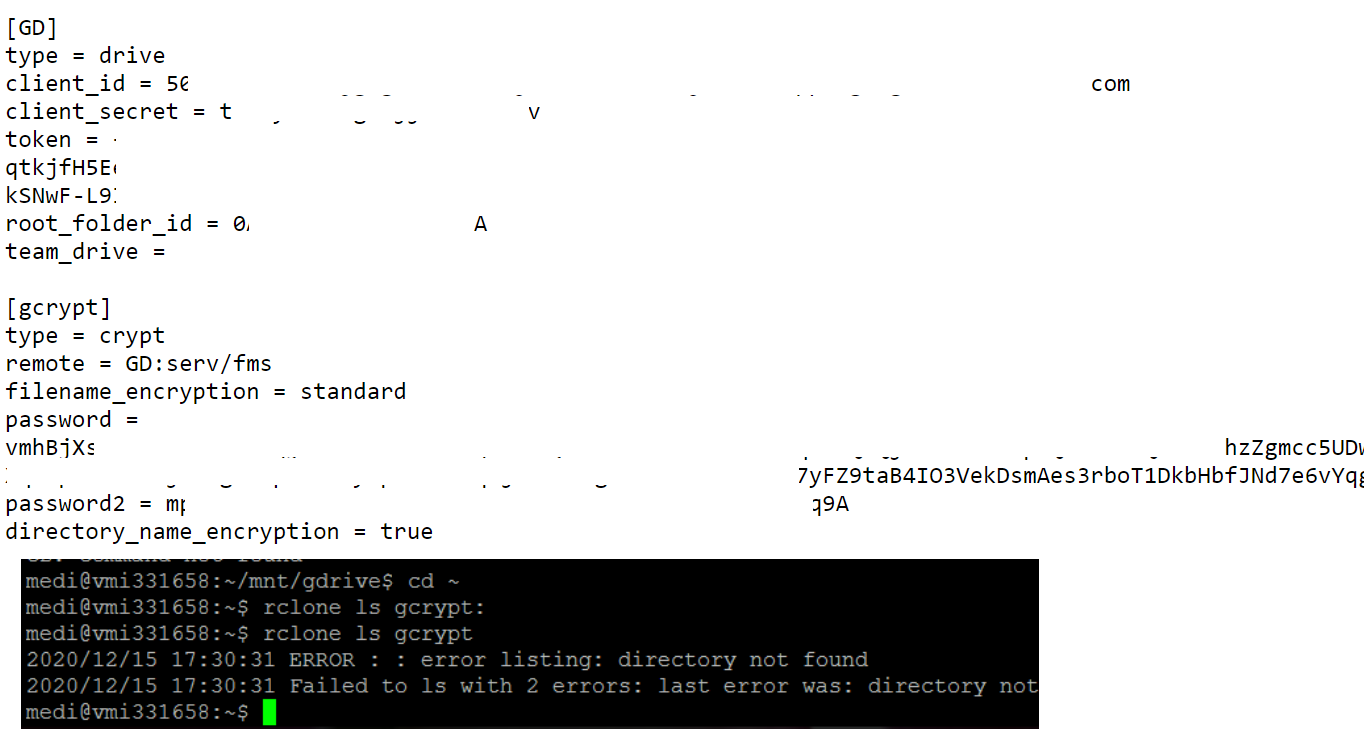
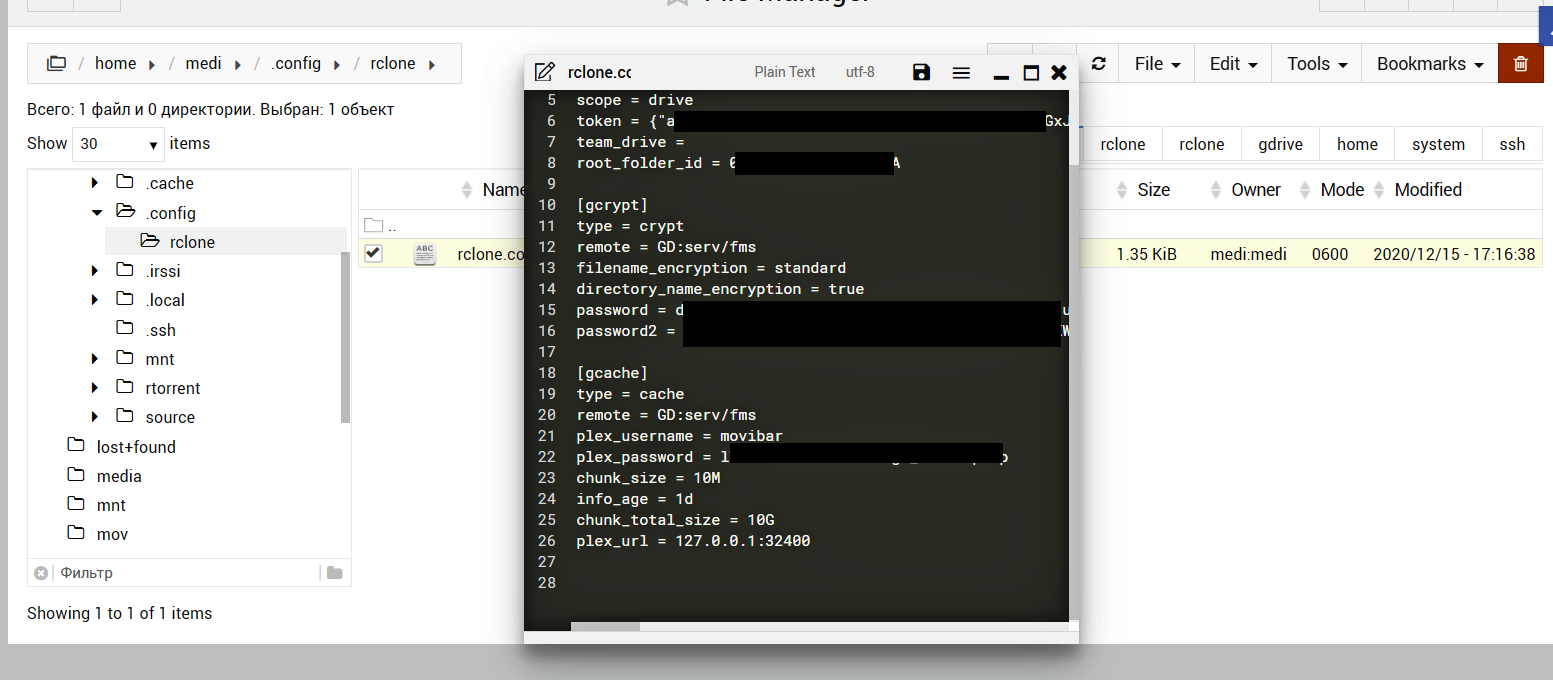
Another question in gcrypt settings, I took the password from the C: \ Users \ .config \ rclone \ rclone.conf file and transferred it to the server, but when typing and re-showing it, it is completely different. Is it encrypted and the original cannot be seen?
Also, my computer setup got lost and I had to update the token.
But on the computer, everything comes in and works. And how can I configure the server. Maybe this is related to users? Although I went to the folder from the media user and there is also nothing there.
So I don't know whether the password is encrypted or not, I opened the rclone.conf on Windows through a text document and entered the copied password through rclone config on the server. But when I open rclone.conf on the server it is completely different. As I understand it on the server, it is encoded. And now I wondered if I copied the correct password to Windows?
I also remember when I then tried to set it up, I was doing actions with groups and permissions, then my server worked completely from root))
What else do you need, what information? I will give everything to solve this problem
Damn, all the settings except this one. And torrent, and ftp, and plex and jellyfin. And here, unfortunately, the most important thing could not.
Yes, this folder is, I also received notifications about connecting to the server application. I confirmed. Before that, everything worked until I overloaded the server and was in the mood to remount everything. I remember fiddling with the folder and access settings, maybe here in this too? But I tried everything, and everything seems to be mounte, but the folder is empty.
 Can someone please explain normally how to screw my encrypted 5TB google drive with this vps contabo. Before that, I also figured out for a very, very long time, until by a miracle everything worked. Then I decided to update and configure everything as normal, I can install everything on the docker. But no, everything is covered again and nothing works. As a result, I configured everything without a docker and it remained to mount the disk.