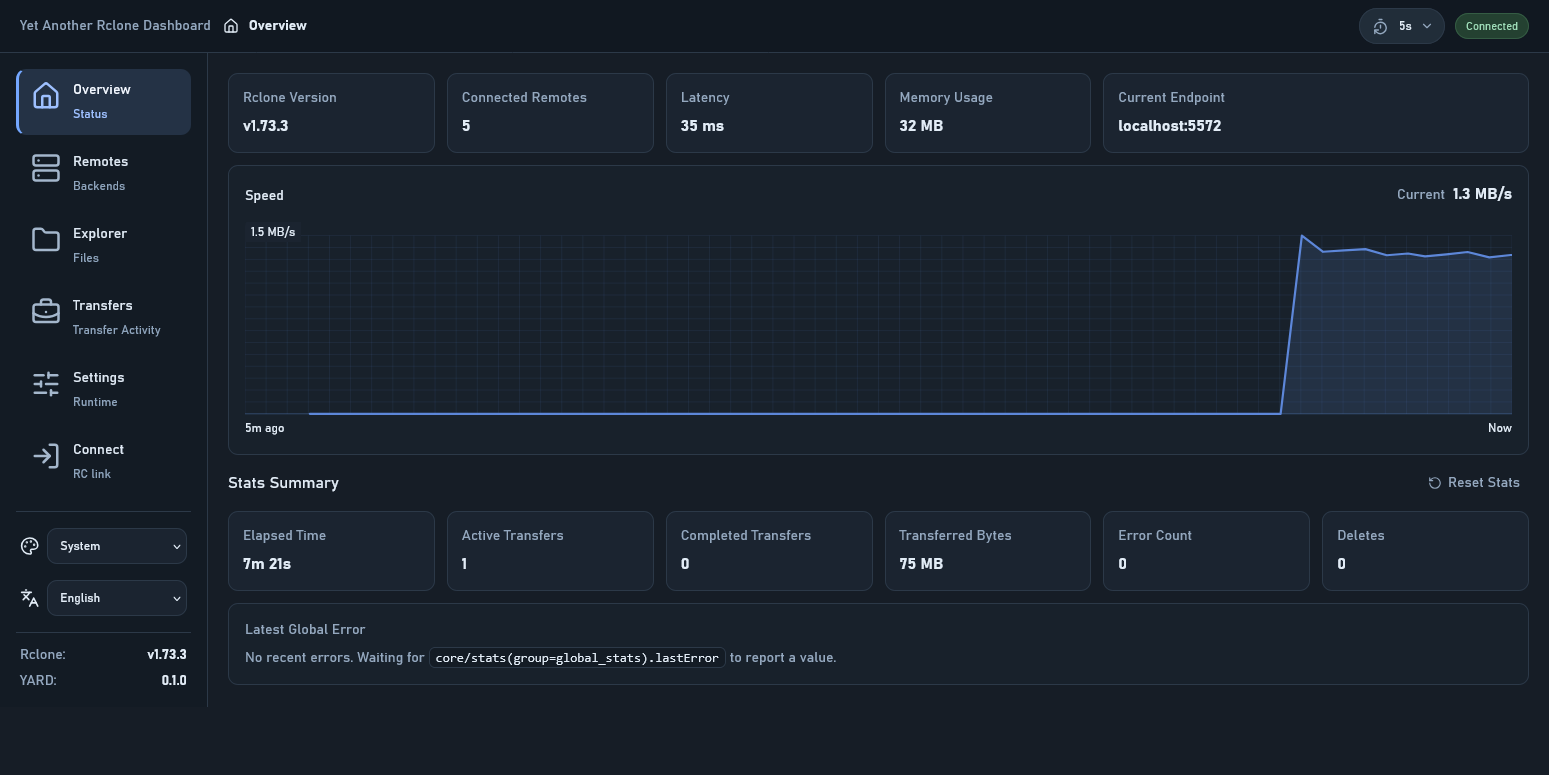
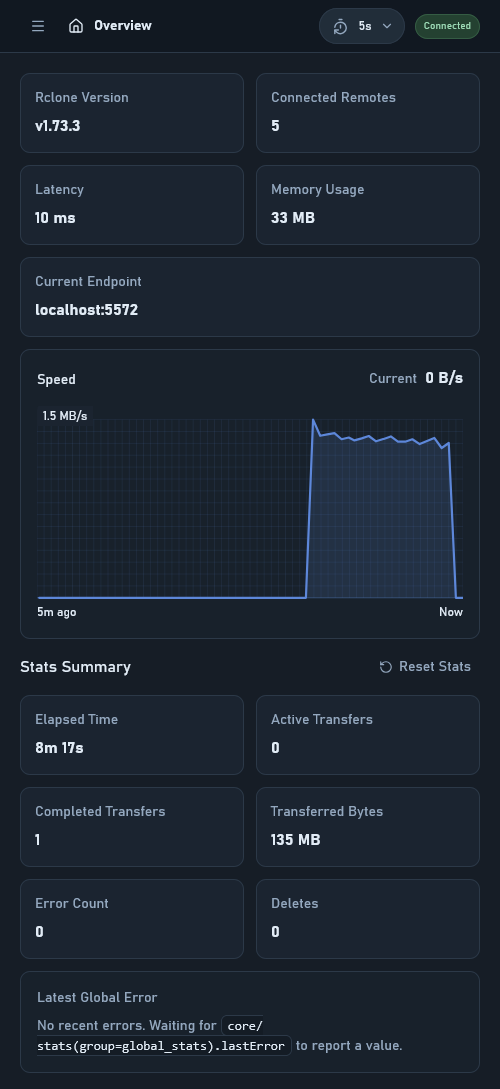
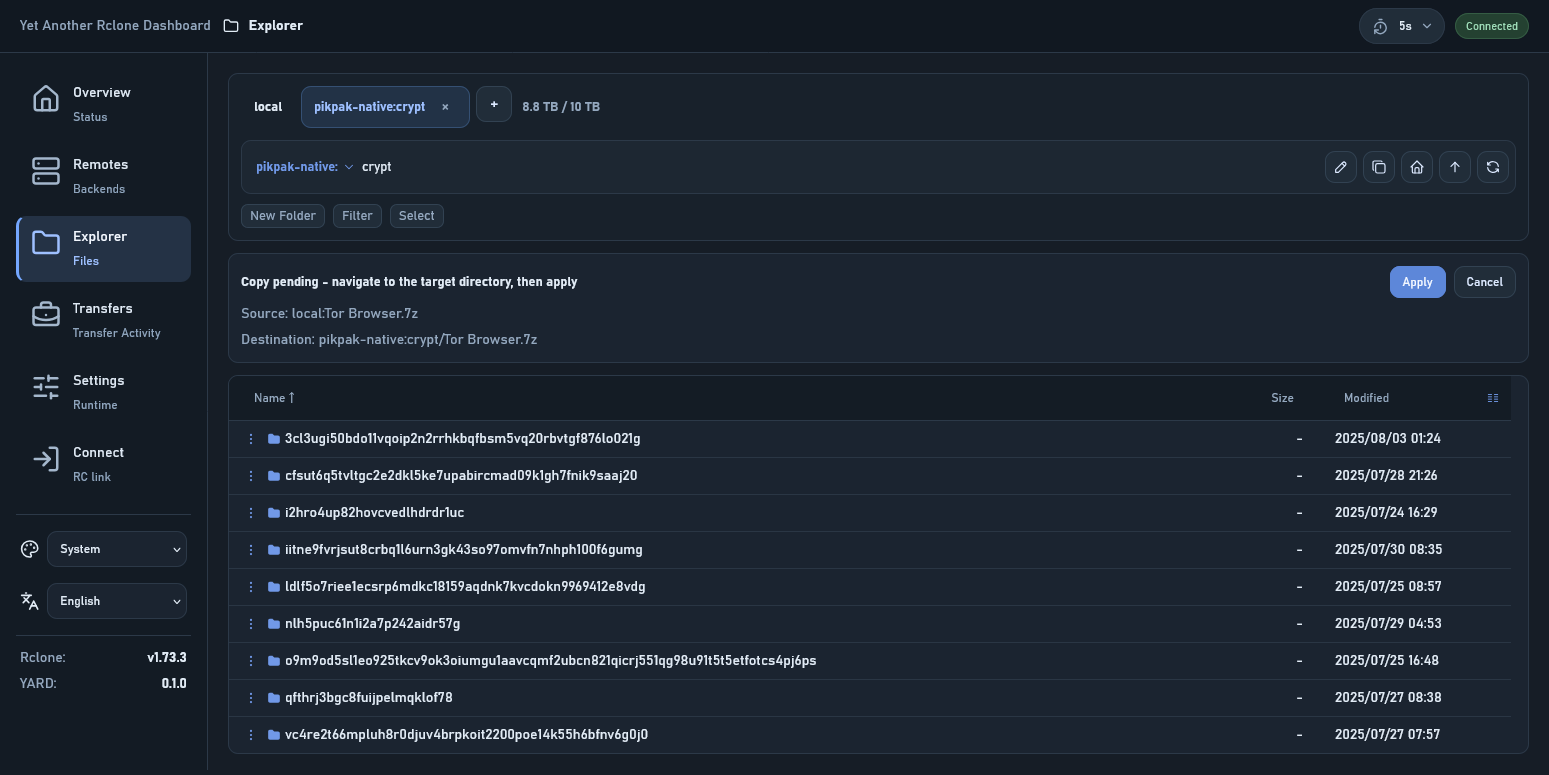
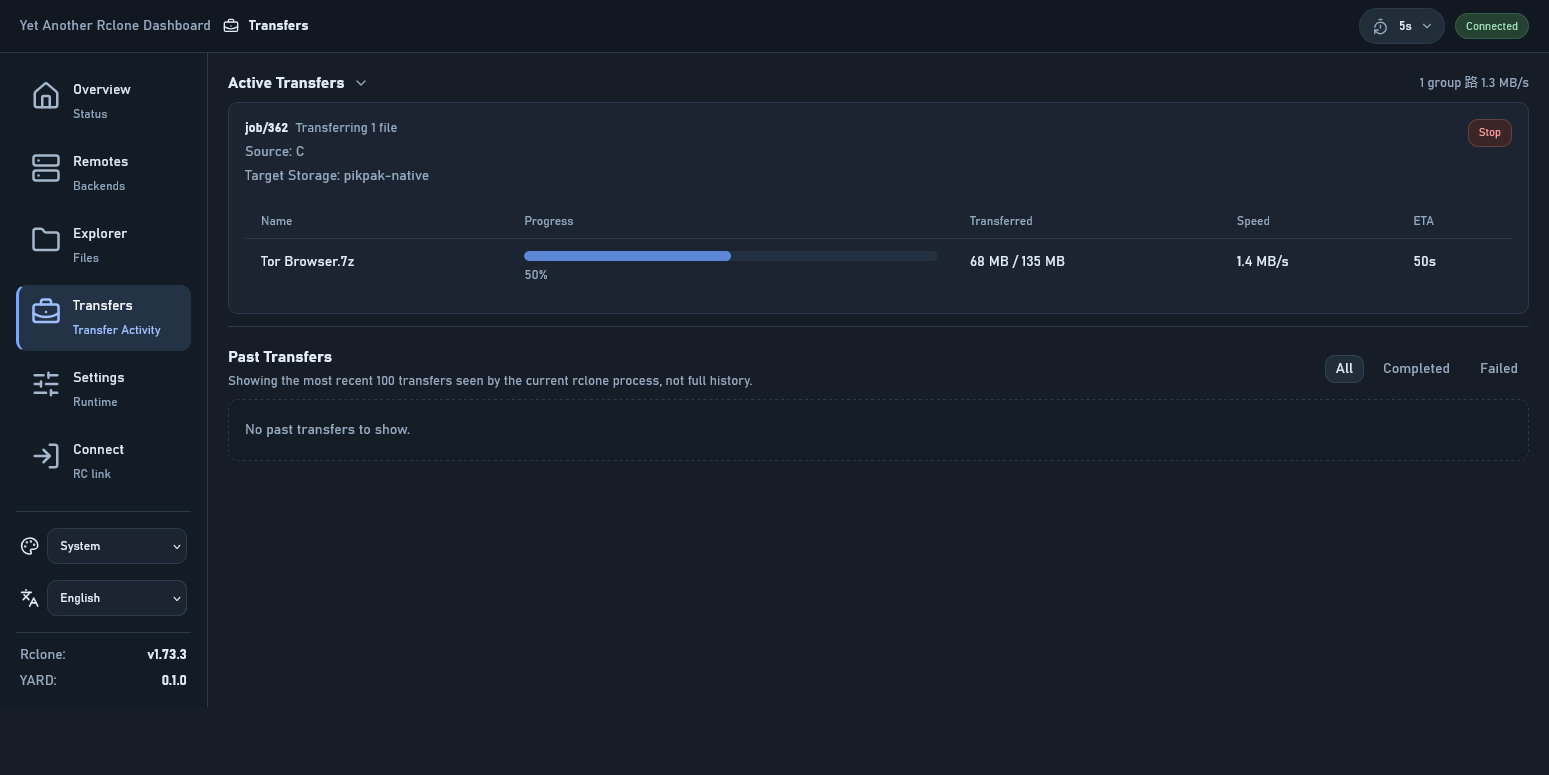
Nice, all of this in 1 day? I'm a fan in that regard
There's a new GUI command in the works, which is meant to be very light and talk to your local instance. I see some similar decisions, down to wording and some non-trivial arrangement, so I take you may already be familiar with that. It will keep the functionality of using other WebUIs, so you should definitely keep going with it, the more the better!
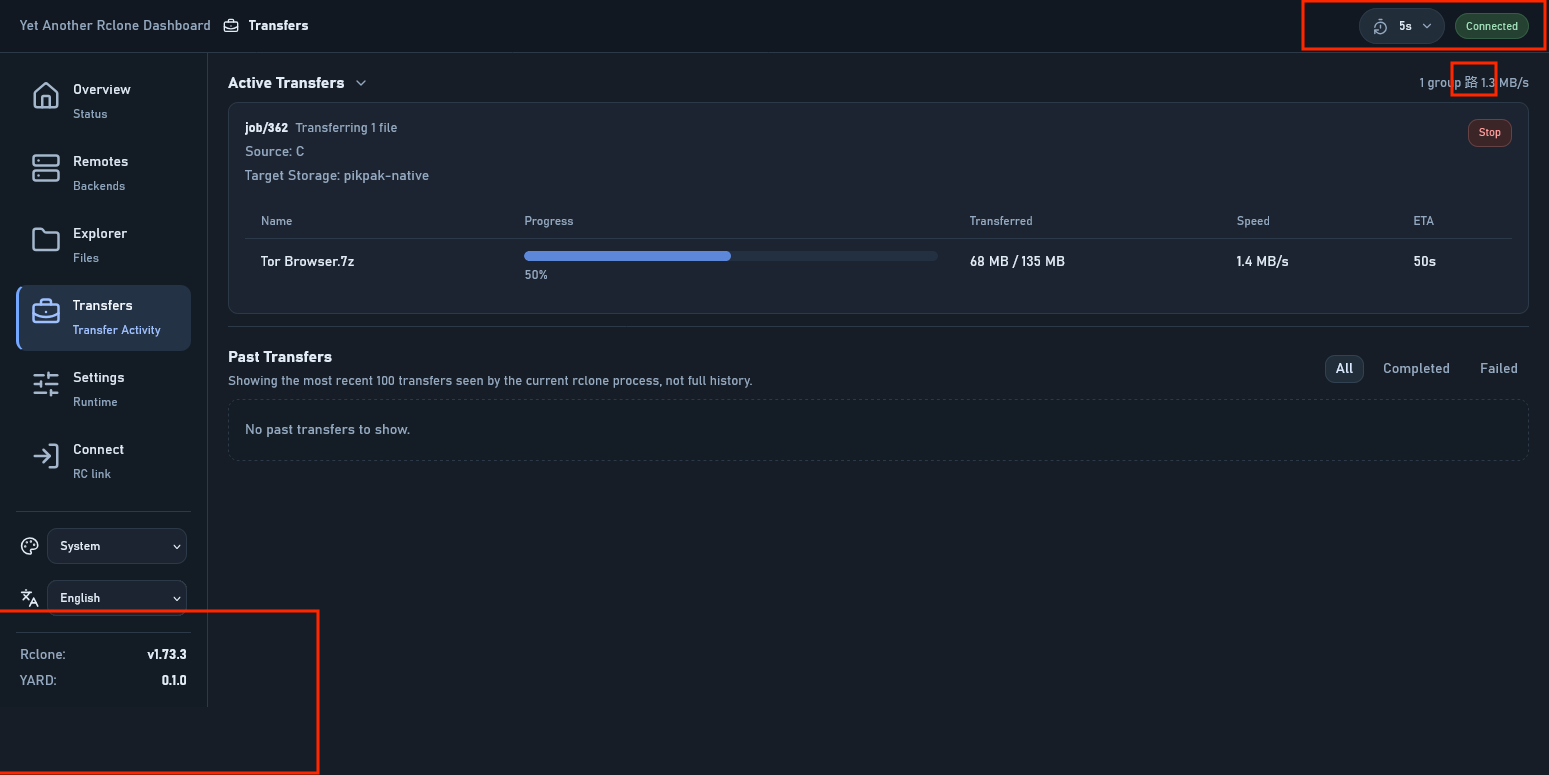
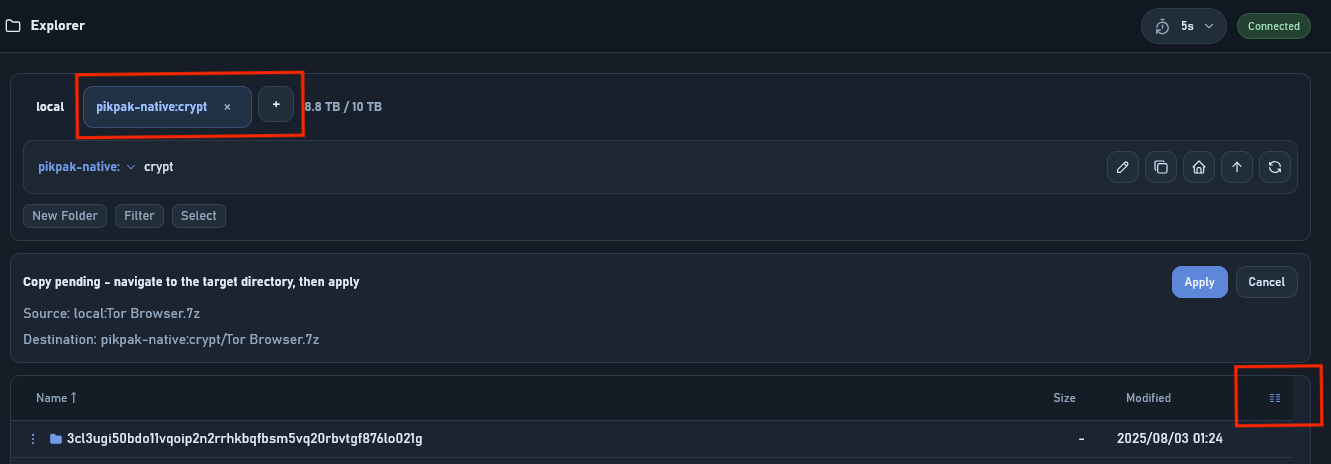
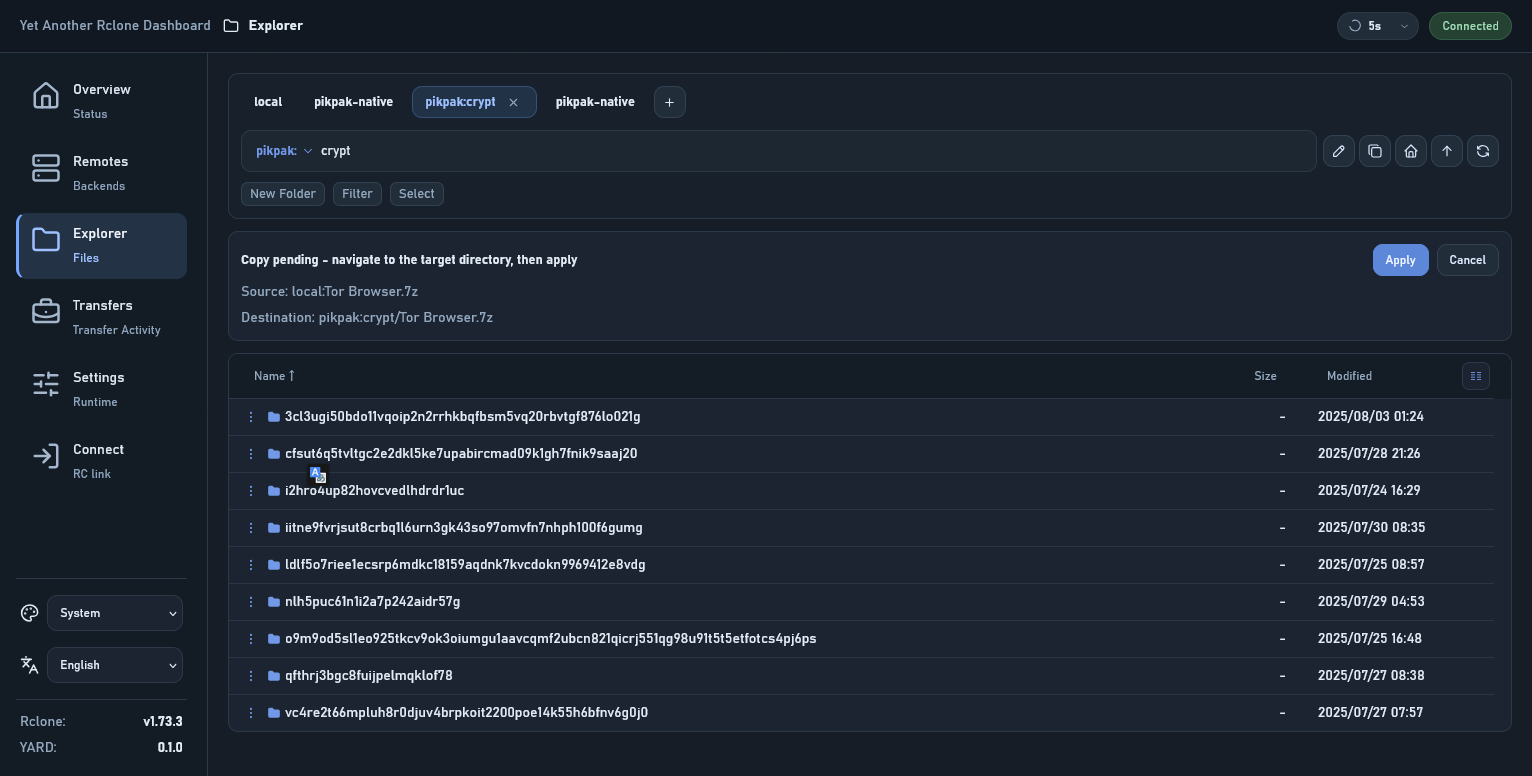
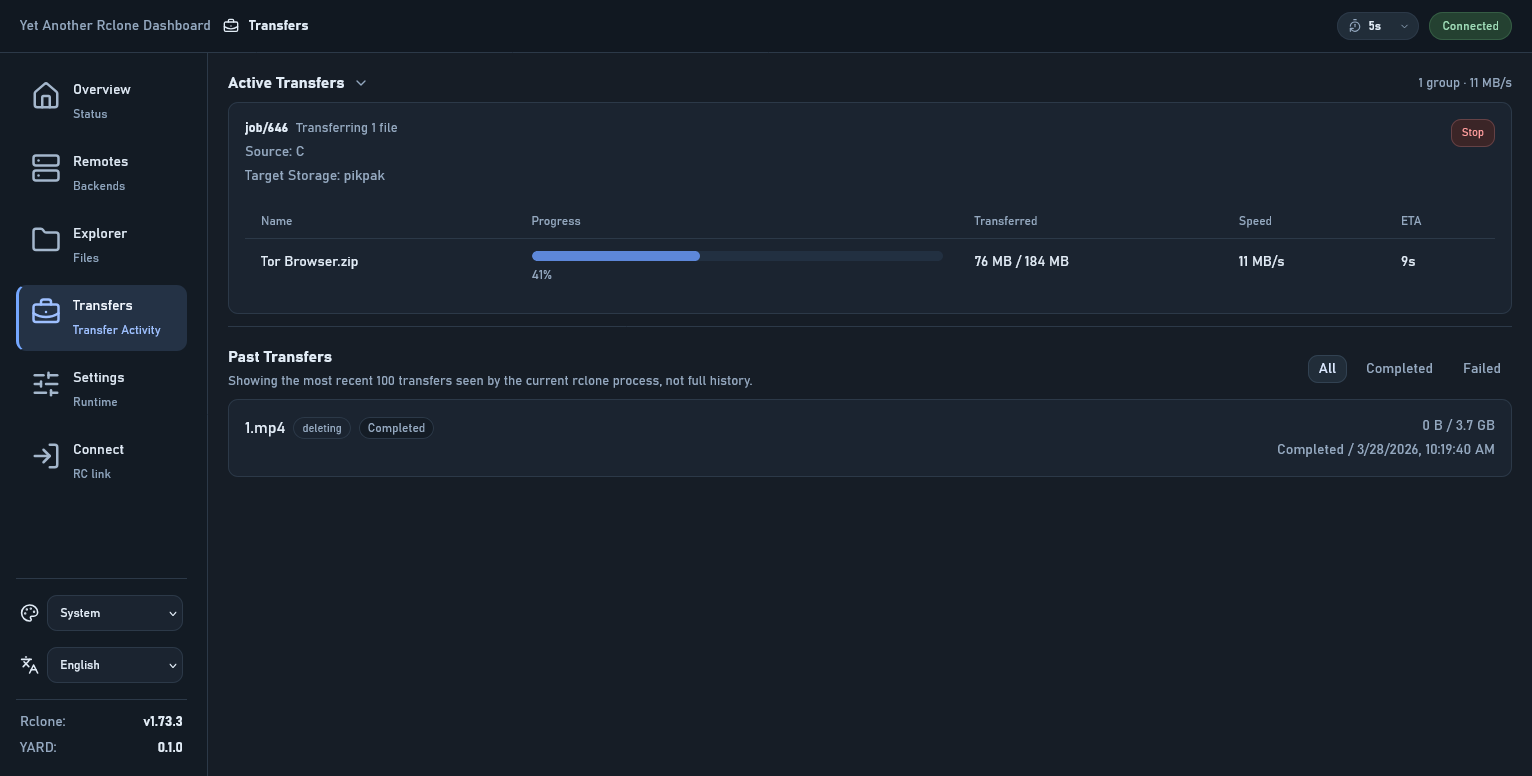
Some small feedback: I can see the landmarks of Claude here in the Sidebar and button sizes, usually it gets confused by the overall layout and you get stuff like this early cut in the Sidebar. You also end up with differently sized buttons. See my screenshots below. Not sure if this is still happening today with their latest model 4.6
Now that I think of it, including translations (crowdsourced w/ an industry standard solution like Crowdin or Lokalise, or simply just PRs), could be a good idea.
It actually took up my free time for a whole week.
There's a new GUI command in the works, which is meant to be very light and talk to your local instance. I see some similar decisions, down to wording and some non-trivial arrangement, so I take you may already be familiar with that.
Actually, I don't know this. Is it the recently appeared rclone-web repo? I haven’t been keeping up with the latest developments in the rclone project, and if I’d known, maybe I wouldn’t have started building this on my own.
There’s already a multilingual implementation in src/shared/i18n, and I don’t think the project is at a scale yet where it needs an external localization collaboration platform.
This looks like a massive improvement over the standard interface. I’ve been looking for a way to manage my remotes that feels a bit more modern and snappy. The setup seems pretty straightforward, too.
v0.3.0 is out. Now file download/upload and media preview is supported. thought there are some limitations.
I recommend using an authentication gateway + reverse proxy + --rc-user-from-header instead of rclone’s basic auth, so that web downloads and media preview can be done securely.
@outlook84 This looks really interesting. Thanks for sharing!
One immediate issue I ran into when trying to set this up behind an authentication proxy is that it doesn’t seem to support alternate base url paths and assumes assets are served from the root /.
When using the option --rc-baseurl rclone I get a 404 on the manifest.webmanifest and assets/index js/css files and it fails to load the page.
Thanks for the quick fix. Yes, that seems to work now. The only minor issue I saw in this new version was that it seems to require a final trailing slash after the base url in the browser. Without that trailing slash it appears to still attempt to load the mainifest and assets without the subdirectory path. (i.e. /sub1/sub2 fails because assets attempt to load from /sub1/assets but /sub1/sub2/ loads fine).
This isn’t a major issue all all but I thought might be a simple fix in the code.
I’m testing this from an Open OnDemand HPC environment, where we can either proxy or reverse proxy the app to be available for users, and it uses the convention of ///
Testing this again, and I’m not sure if this is a regression but it appears that when using the --rc-baseurl option these POST requests are called with only the relative URL without the base and I’m seeing 404s for core/version and rc/noopauth and the app is unable to communicate with rclone.
Right, sorry. I spoke a little too soon. Actually I was able to resolve this by adding the additional URL segment into the Base URL field on the Connect page and then everything worked great.
Is there a way to programmatically populate this field or have it pick up the current URL as default? Maybe from an environment variable or config or possibly even using JavaScript (e.g ${window.location}) if there isn’t a better way.
In a multi-node HPC environment the issue is that this would running on a randomly available node which would change the Base URL each time the application was launched. Users would have to copy and paste it from their address bar.
For example, it would look something like with nodename and portnumber populated at launch
Is there a way to programmatically populate this field
Yes. Subpath can be picked up from current URL.
Using the current URL as the initial default is easy. Keeping the field automatically in sync with the browser URL after that is the part that becomes complex and changes behavior. Anything that makes an input field partially user-controlled and partially environment-controlled gets complicated very quickly.
Understood. Just to be clear it would only need to be set automatically at app startup, not while running. Otherwise it seems to work fine with the standard reverse proxy feature in Open OnDemand. It’s just per the nature of a cluster environment, the node and port number are dynamic (hence the URL to reach it).
A “Use Current URL” button would work and make it just one click. In the setup and launch script, if it set something like YARD_BASE_URL= to pick up and automatically connect that would work also.
Appreciate you looking into this because I think this could be a very valuble tool for HPC environments!
It seems like recent v0.3.9 changes seem to have improved the connection process with the Base URL field being fully populated but a button or some sort of automatic functionality would still help because I’m seeing it pre-populated with Base URL from prior sessions.